In this article
Hiring a social media manager runs anywhere from $1,000 to $5,000 a month. For most small businesses and solopreneurs, that's not realistic. But the right tool can handle a huge chunk of that work for under $50 a month.
The problem is, while every platform promises to save you time, simplify your workflow, and help you post more consistently, the pricing pages do not always make it easy to compare what you are actually getting or paying for.
That is why we put together this list of the 7 best affordable social media management tools that worth your money. We looked at pricing, supported platforms, free trials, scheduling features, content recycling, analytics, team access, and where each tool offers the most value.
What Makes a Social Media Tool Actually Affordable?
Cheap and affordable are not the same thing. A $10/month tool that only schedules 5 posts a month for 1 social account isn't a deal, it's a frustration. A $30/month tool that handles several platforms, has unlitemied scheduled posts recycles your best content, and includes AI caption help is definitely a better investment of your money.
Before picking a tool, ask yourself:
- How many social accounts do I actually need to manage?
- Do I create new content constantly, or do I have evergreen content I could reuse?
- Do I need analytics, or just scheduling?
- Am I working alone, or with a team?
- What would one extra hour of my time per week be worth?
Your answers will point you to the right tool faster than any feature comparison chart.
1. MeetEdgar — Best Overall for Small Businesses and Solopreneurs
Starting price: Starts from $25/month (billed annually)
Free trial: 30 days
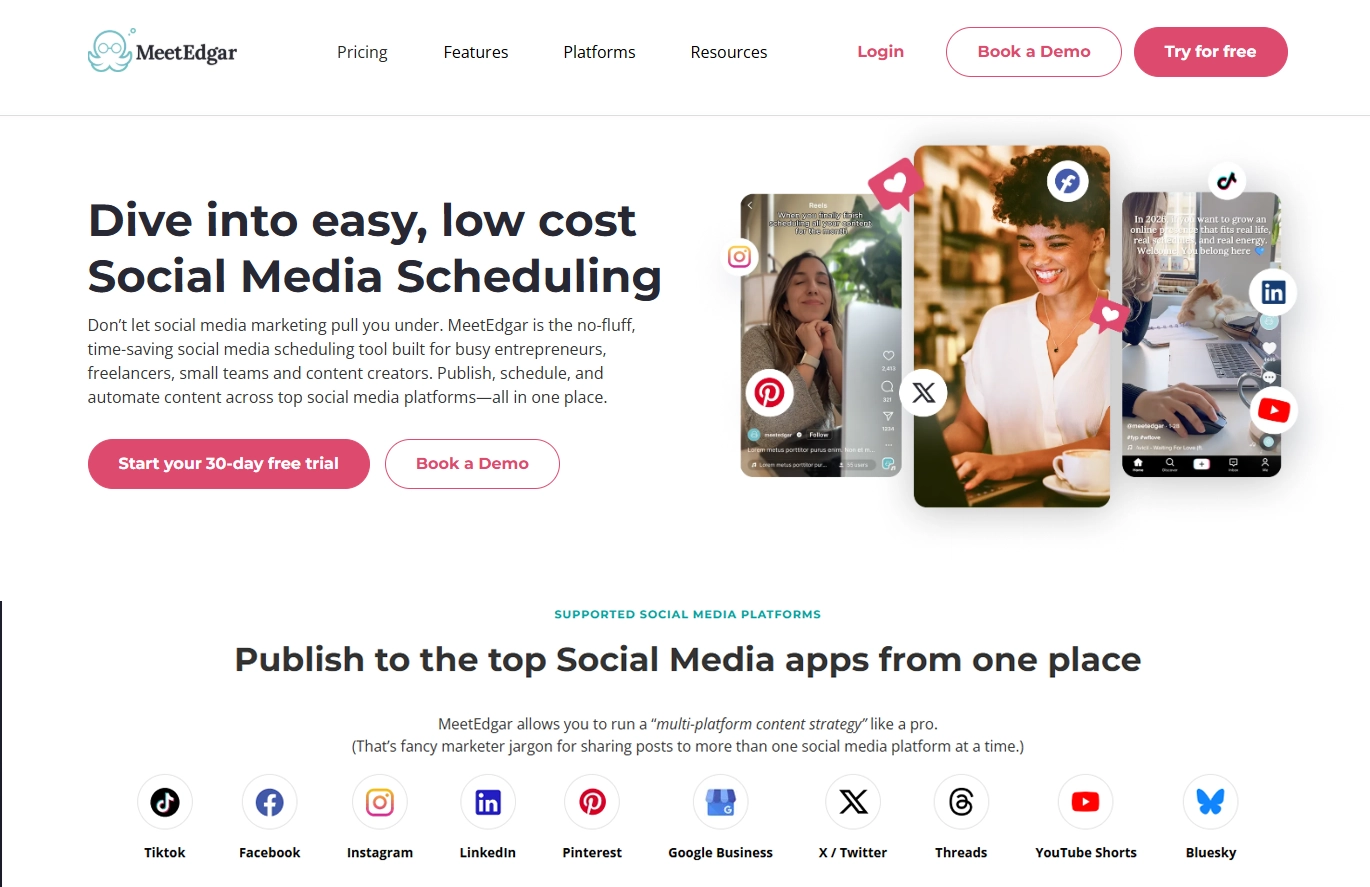
Platforms: Facebook, Instagram, X/Twitter, LinkedIn, TikTok, Pinterest, Threads, Google Business Profile, YouTube Shorts, Bluesky
MeetEdgar does something no other tool on this list does at this price point: it builds a content library that recycles your best posts automatically.
Here's how it works. Instead of scheduling individual posts and watching them disappear into the void, you add content to your library organized by category (think: blog posts, tips, promotions, testimonials). Edgar works through your library on a set schedule, and when it runs out of new content, it loops back to the beginning. Your best posts keep getting seen without you lifting a finger.
For someone who has spent time writing solid evergreen content — a how-to guide, a list of tips, a client win story — this is a big deal. You create it once and MeetEdgar keeps it working.
Upgrading to the Edgar Plan ($41.58/month annually) expands to 25 accounts, 1,000 weekly automations, and unlimited content categories — which is genuinely impressive for the price.
The 30-day free trial is longer than most competitors offer, which means you have a full month to test whether the content recycling approach fits your workflow before paying anything. See MeetEdgar's pricing in full here.
Worth knowing: MeetEdgar doesn't have a free plan, only a paid trial. If you only have one social media account and need a forever-free option, this might not be the option for you.
2. Buffer — Best for Beginners Who Want Simple Scheduling
Starting price: Starts from $6 per channel/month | Free plan available
Free trial: 14 days
Platforms: Facebook, Instagram, X/Twitter, LinkedIn, Pinterest, TikTok, Mastodon, YouTube, Google Business Profile
Buffer is the cleanest, most straightforward scheduling tool available. If you're new to social media management software, it's a great starting point.
The per-channel pricing model is interesting — at $6/channel/month, it's cheap if you only manage two or three accounts. It adds up quickly if you're managing 8+ platforms, at which point tools like MeetEdgar become more cost-effective.
Buffer's free plan is genuinely usable for someone just getting started — you can connect up to 3 channels and schedule 10 posts at a time. However, the math can shift quickly:
What 5 accounts actually costs across plans:
- On the cheapest plan ($6/channel) that would most $30/month - with only 1 team member included
- On Team membem ($12/channel) that would cost $60/month
Worth knowing: The per-user pricing makes it expensive faster than the per-channel headline number suggests. Additionaly, for anyone trying to run a "set it and forget it" social presence, the platform does not offer a dedicated recycling feature.
3. Later — Best for Visual Brands and Instagram-First Businesses
Starting price: Starts from $25/month
Free trial: 14 days
Platforms: Instagram, Facebook, X/Twitter, LinkedIn, TikTok, Pinterest
Later built its reputation on Instagram scheduling, and it still leads the pack for visually driven brands. The drag-and-drop content calendar and visual grid preview let you plan exactly how your Instagram feed will look before a single post goes live.
The Starter Plan handles 1 social set (one account per platform) and includes basic analytics, which is enough for most solo creators.
Worth knowing: Later gets expensive fast if you want features like saved captions, hashtag groups, or multi-account management. It's also not ideal if Instagram isn't your main platform — the multi-network experience is noticeably thinner than competitors.
4. Metricool — Best for Analytics-Driven Managers
Starting price: Starts from $25/month | Free plan available
Free trial: No
Platforms: Instagram, Facebook, X/Twitter, LinkedIn, TikTok, Pinterest, YouTube, Google Business Profile, Twitch
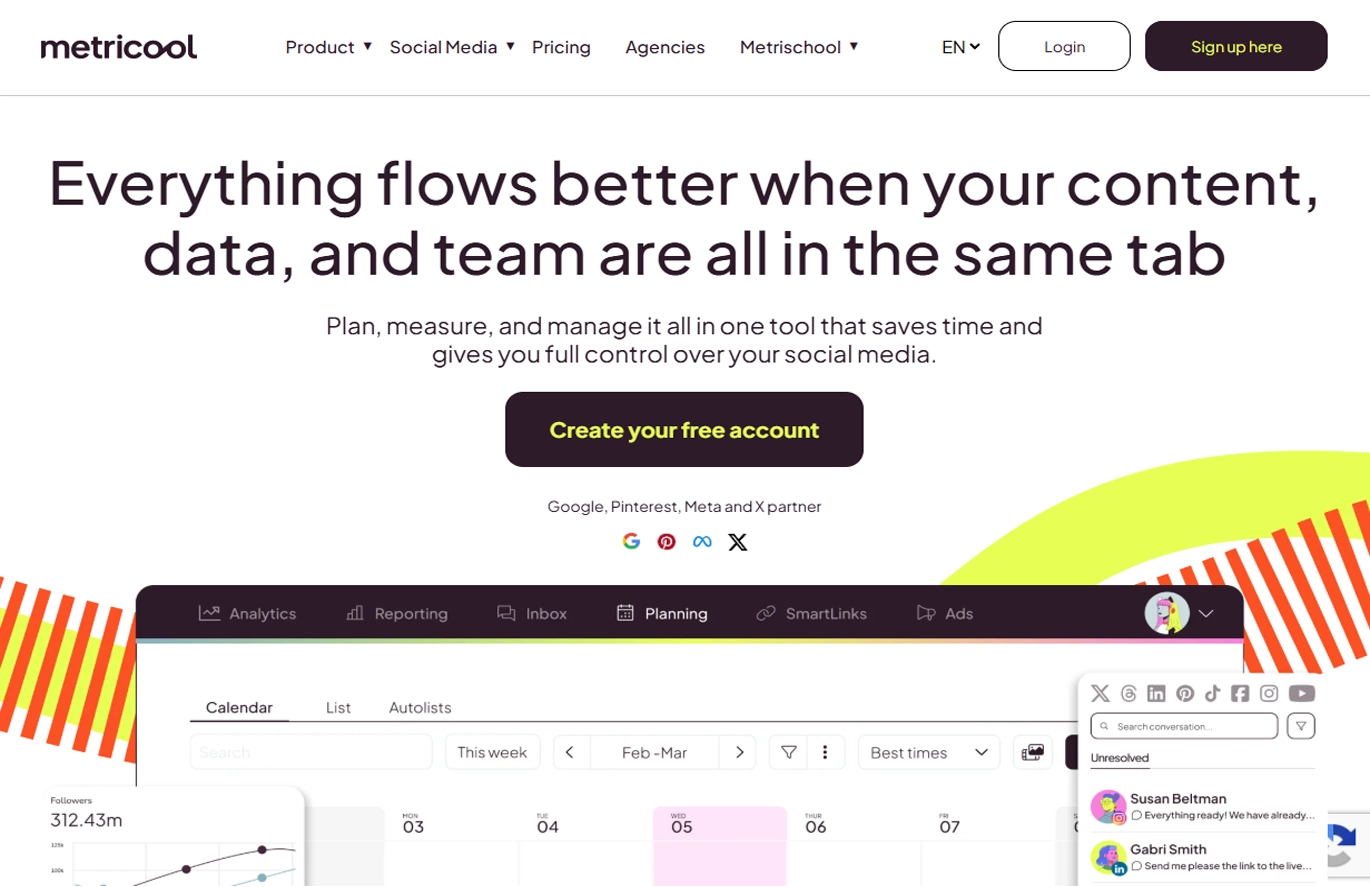
Metricool punches above its weight on analytics. At the free tier, you get 1 brand, scheduling, and analytics for the last 3 months — genuinely more than most free plans offer.
For small agencies or freelancers managing client accounts and needing to prove ROI, Metricool's reporting is detailed enough to use in client presentations without paying for a $200/month enterprise tool.
Worth knowing: Metricool's scheduling UI is functional but not beautiful. If you care as much about workflow experience as you do about data, it might frustrate you. The free plan limits historical data, which can be annoying for longer-term trend analysis.
5. Zoho Social — Best for Businesses Already in the Zoho Ecosystem
Starting price: Starts from $15/month (For Business)
Free trial: 15 days
Platforms: Facebook, Instagram, X/Twitter, LinkedIn, Google Business Profile, YouTube, Pinterest, TikTok
Zoho Social is consistently underrated. At $15/month, it includes monitoring (tracking brand mentions and keywords), scheduling, and basic analytics - features you'd normally expect to pay significantly more for.
Where it really earns its place is inside the Zoho ecosystem. If your business already runs on Zoho CRM, Desk, or Books, the native integration means social interactions can feed directly into your CRM records. A potential customer comments on your post, you reply, and it logs in your CRM automatically. For small sales-driven businesses, that workflow alone can justify the tool.
Worth knowing: Zoho Social's Standard plan is built for a single user — adding team members requires upgrading to the Professional plan ($30/month), which narrows the cost advantage. The interface also feels dated compared to newer tools and has a learning curve that doesn't match its price-point simplicity. For agencies, there’s a steep price increase, starting at $320/month.
6. Publer — Best for Bulk Scheduling Across Many Platforms
Starting price: Starts from $5 per channel/month | Free plan available
Free trial: 14 days
Platforms: Facebook, Instagram, X/Twitter, LinkedIn, Pinterest, TikTok, Google Business Profile, YouTube, Threads, Bluesky, Telegram
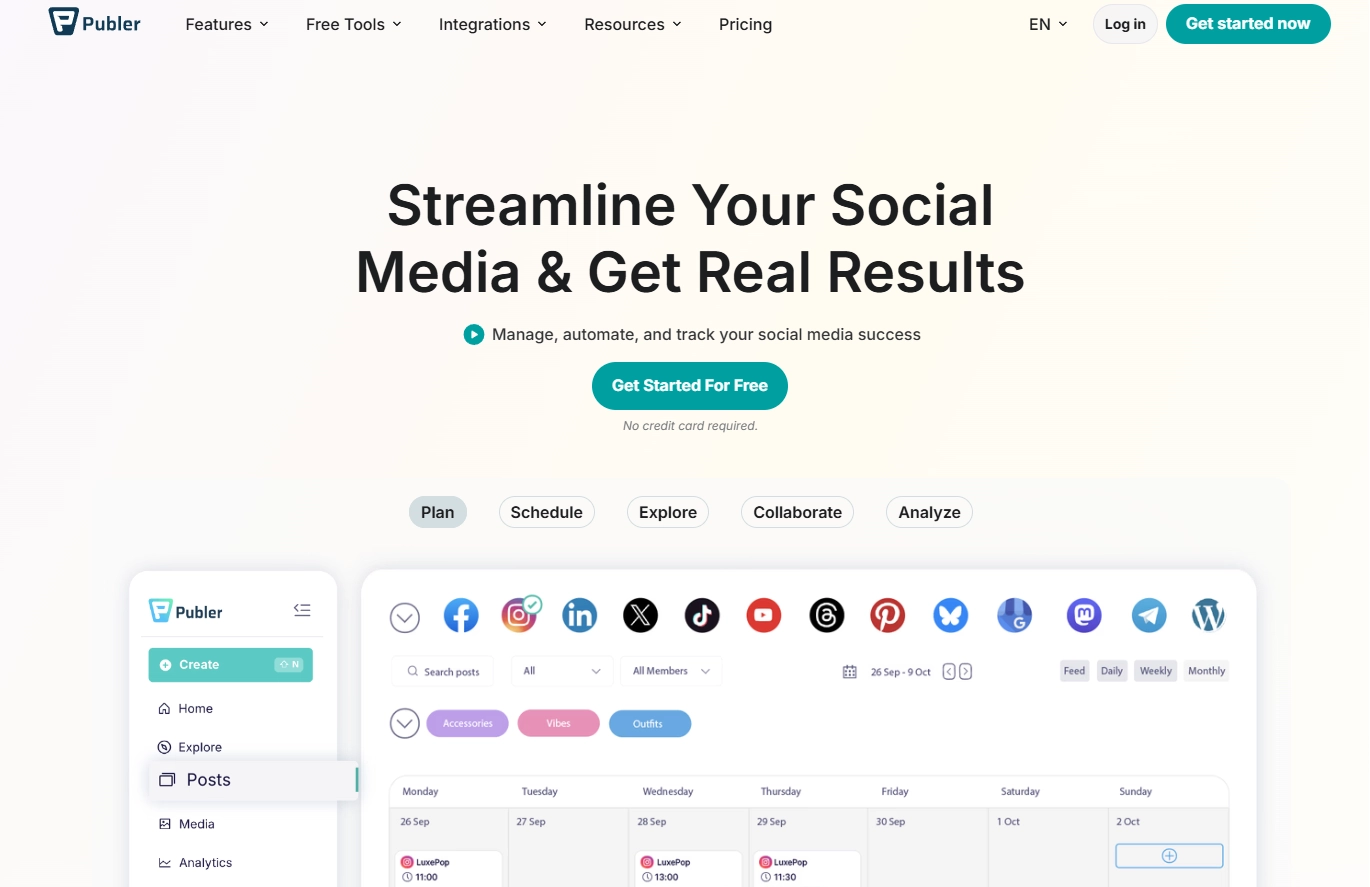
Publer covers more platforms than almost anyone on this list, which makes it a strong choice if you're active on niche networks (Telegram, Bluesky) alongside the major ones. The bulk scheduling feature — import a CSV of posts and schedule them all at once — is a real time-saver for anyone with high post volume.
The per-channel pricing model sounds appealing at first, but if you are adding multiple social channels or team members, the price can quickly increase.
Worth knowing: Publer's free plan is functional but limited to 3 accounts and 10 scheduled posts — enough to test the interface, not enough for real workflows. Full content recycling is locked behind higher-tier plans. The interface packs in a lot of features, which is useful once you know where everything is but can feel cluttered at first. Team collaboration also costs more — the Professional plan is designed for a single user, and adding workspace members requires upgrading.
7. SocialBee — Best for Category-Based Scheduling
Starting price: Starts from $29/month
Free trial: 14 days
Platforms: Facebook, Instagram, X/Twitter, LinkedIn, Pinterest, TikTok, Google Business Profile, Threads, Bluesky
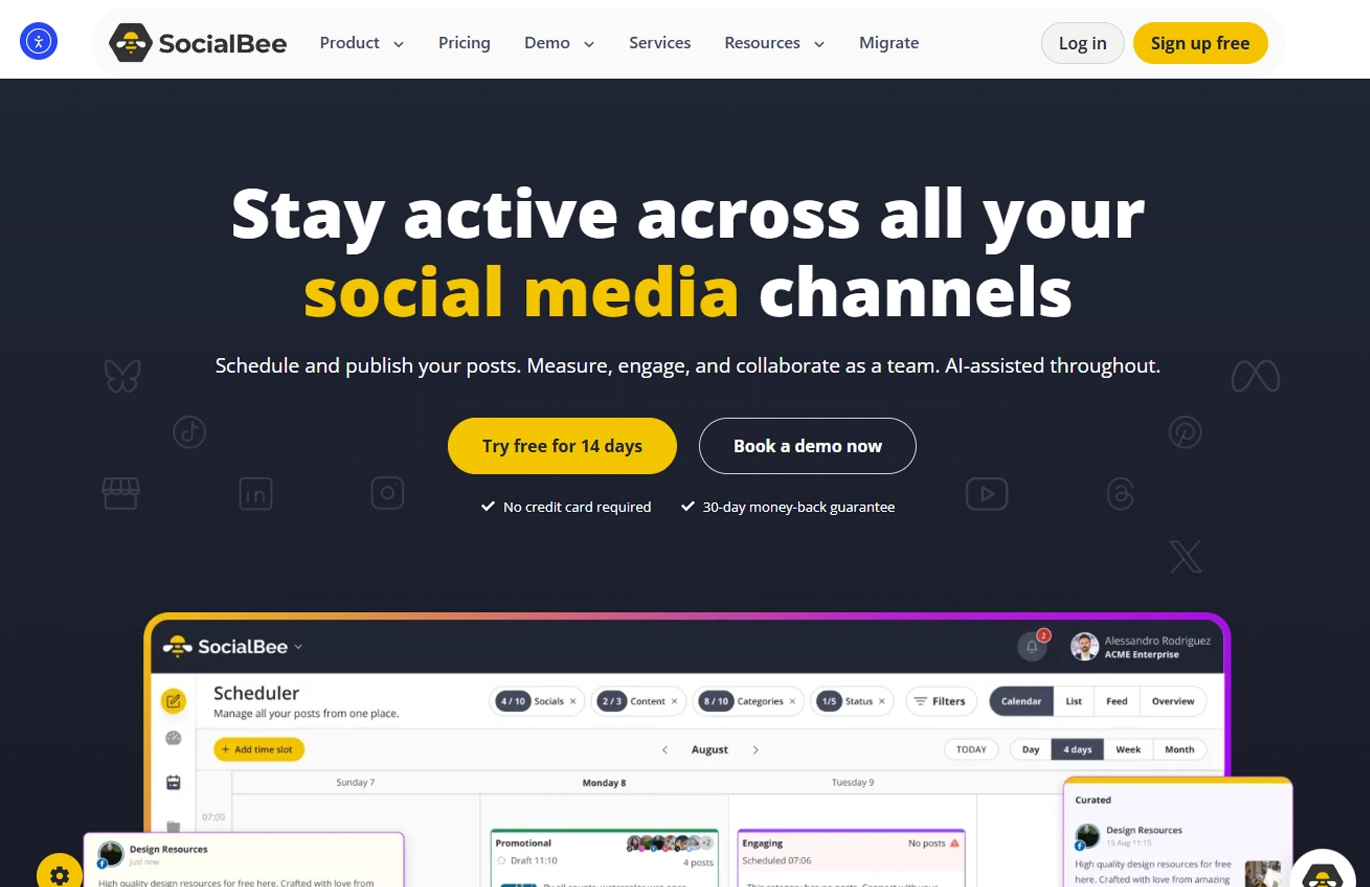
SocialBee uses a category-based content system similar to MeetEdgar — you organize content into buckets and set posting schedules per category. It includes content recycling and supports most major platforms.
Worth knowing: At a similar price point, SocialBee's Bootstrap plan includes only 1 user seat — adding team members costs extra. MeetEdgar includes up to 20 team members on every plan, which is a significant advantage for anyone working with a small team or occasional collaborators. For agencies plans, prices starts at $320/month. Also, there's also no built-in AI caption tool on the entry plan.
Quick Comparison Table
Because pricing systems and feature availability vary across these tools, we did the calculations and summarized everything in the comparison table below to make the information easier to review.
To keep the comparison consistent, we used a standard of 5 social media accounts across all tools and compared the monthly subscription price for each tool’s cheapest or starter plan.
Please note that it is important to check whether each tool’s cheapest plan includes all the features you need. In many cases, advanced features are only available on higher-priced plans.
The challenge is that this information is not always clearly listed on the pricing page. For that reason, we recommend starting with a free trial whenever possible so you can test the tool and confirm that the features you need are included.
Choosing the Best Affordable Social Media Management Tool for Your Business
The best affordable social media management tool is not always the one with the lowest monthly price. It is the one that helps you save time, stay consistent, and manage your social media without paying for features you do not need.
Before choosing a tool, think about how many accounts you manage, how often you post, whether you need analytics or team access, and how much time you want to save each week. Most tools offer a free plan or free trial, so the best next step is to test the one that fits your needs best and see how it works in your day-to-day social media workflow.
That is why free trials are so helpful. A trial gives you time to test the features that matter most to you, like scheduling posts, organizing content, reviewing analytics, collaborating with your team, or reusing evergreen content. It also helps you spot any limitations before you commit to a paid plan.
Ready to see if it is the right fit for your business? Start your 30-day free trial with MeetEdgar and discover how much easier affordable social media management can be.