In this article
Did you know 20% of all new businesses fail within a year? This is what the US Bureau of Labor Statistics have found in their recent survey.
The bar of entry for starting a new business is growing higher every year. The competition in the productivity and management space is stiff. If business owners are not careful about their operations, the finances can take a sudden downturn.
Sustaining the productivity of any new venture requires a robust infrastructure. It should be capable of handling the process demands. Not only that, but also of providing a reliable platform where every aspect of the business has clear direction to chase.
Productivity tools are exactly the kind of help that allows business owners to achieve their targets without wasting resources. They focus efforts so that the businesses get more return on investment for every hour the team works.
These tools come for all kinds of use cases. We will look at tools for managing the social media strategy, tracking productivity metrics, customer success, or taking care of the HR and payroll side of things.
Below, we have aggregated 20 useful productivity tools that help small businesses take their internal operations to the next level in 2026. We have grouped them by the tool category so that the readers can easily find the exact tool they need.
1. MeetEdgar
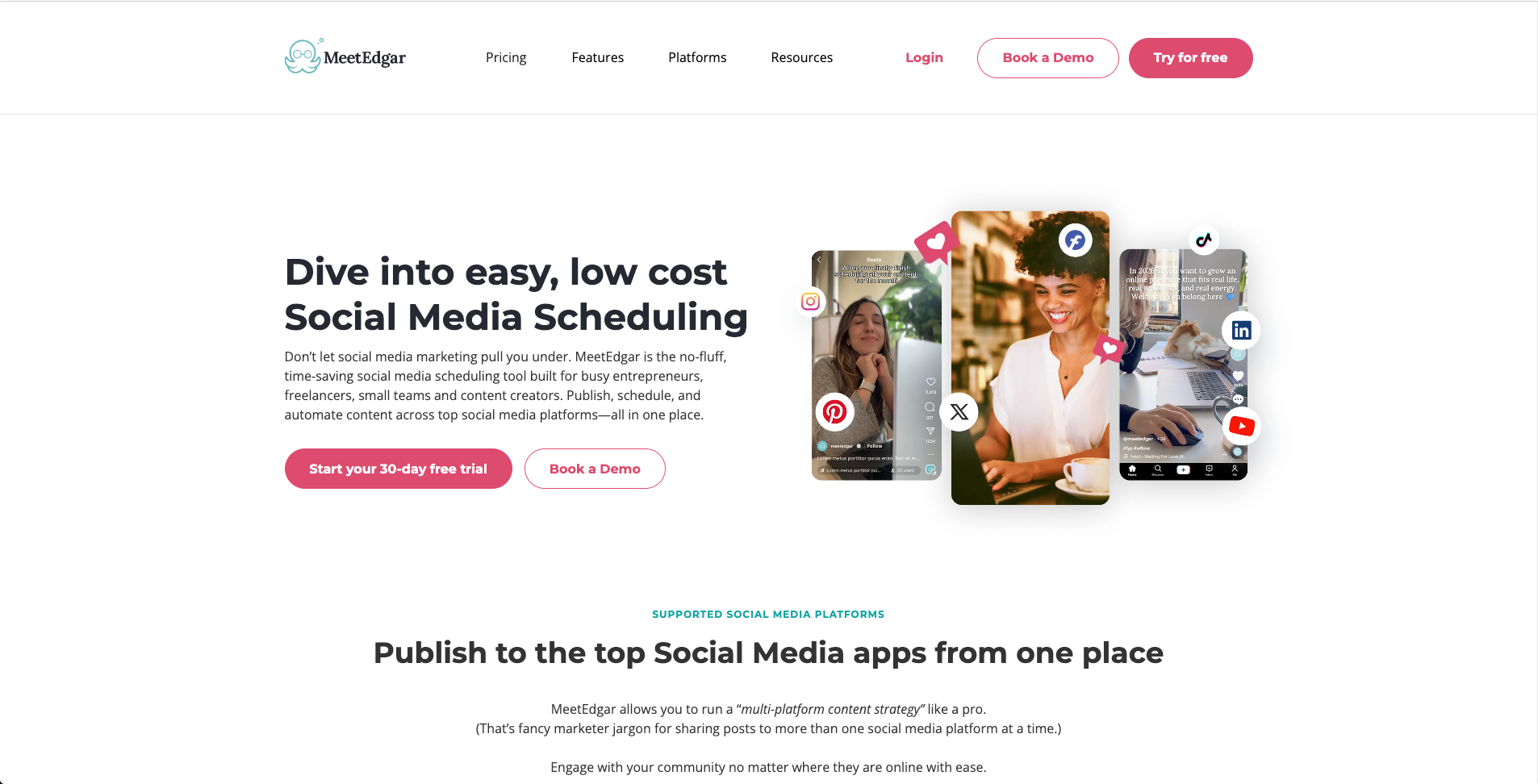
MeetEdgar is a social media scheduling tool built around one idea: your feed should never go quiet, even when you are not actively creating content. Instead of scheduling posts one at a time, you build a content library organized by category, and Edgar cycles through it automatically, recycling older posts once new ones run out. That approach makes it a good fit for small businesses and solo marketers who cannot post daily but still want a consistent presence on Facebook, Instagram, X, Pinterest, and LinkedIn.
Features:
- Evergreen content library organized by category
- Automatic recycling of older posts once new content runs out
- Multi platform scheduling across major social networks
- AI assisted content variations
- Built in analytics and reporting
- A/B testing on posts
Pros: The set it and forget it approach saves real time on weekly scheduling. Category based queues keep a healthy content mix without manual planning. Simple interface that does not require a steep learning curve. Affordable compared to full scale social media suites.
Cons: Not built for real time or trending content, since it works around a queue rather than the moment. No social inbox or listening tools. Limited team collaboration and approval workflows compared to larger platforms.
2. ProofHub
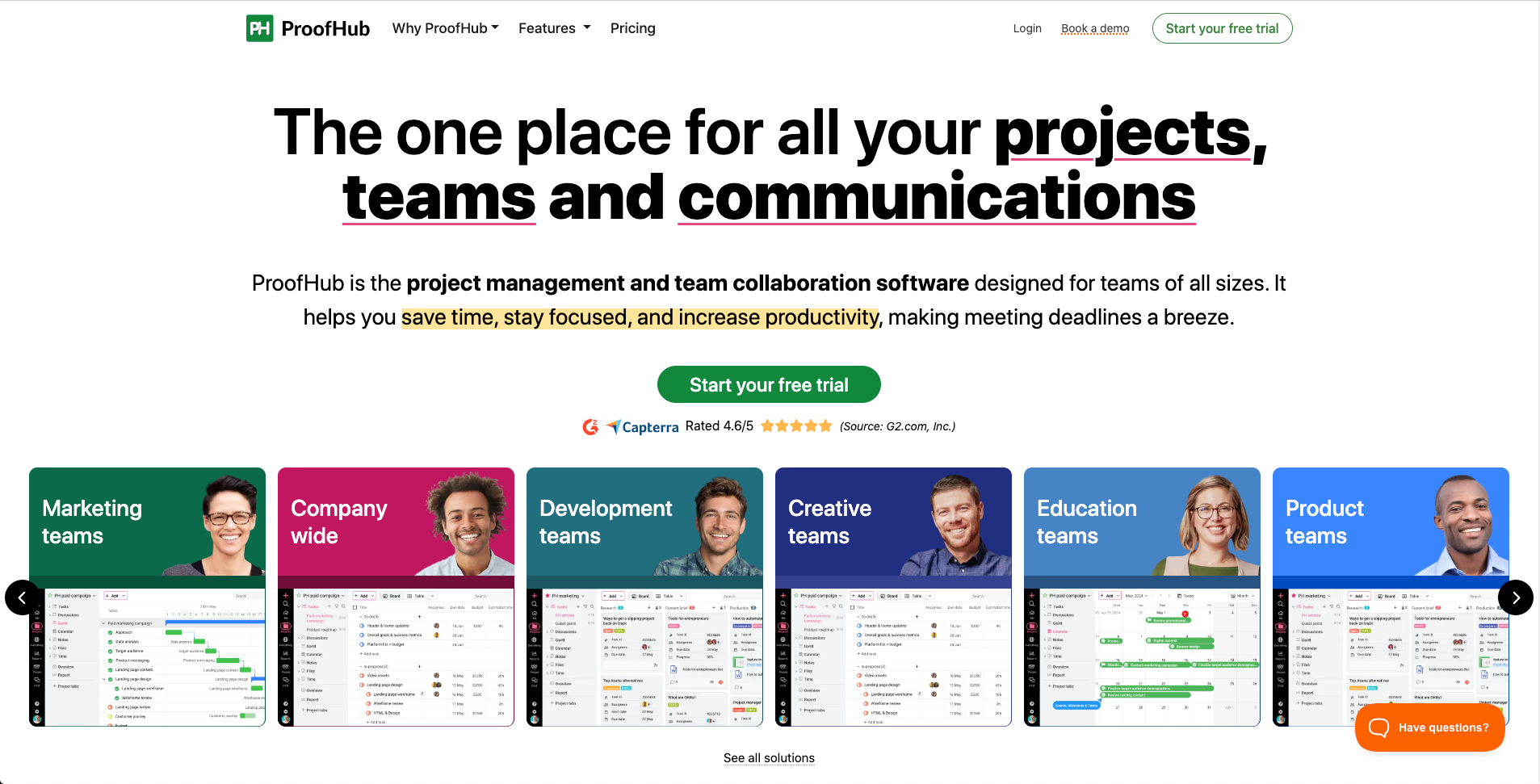
ProofHub is a project management and team collaboration platform. It combines a lot of different apps we have mentioned below into one. From planning the project to executing and deploying it, ProofHub helps teams at every step, with task views, file sharing, chat, time tracking, proofing, collaboration and more. It also has the advantage of flat pricing, meaning organizations pay a fixed price regardless of how many members they have. Especially useful for growing teams and large teams who need a complete project management tool at a budget.
Features:
- Custom task workflows and task boards
- Built in group chat and discussions
- Time tracking and timesheets
- Gantt charts for project scheduling
- File sharing, proofing, and version control
- Custom reports and workload views
- Integrations with Google Drive, Dropbox, and more
Pros: Flat pricing means no surprise costs as headcount grows. Reduces the need for several separate subscriptions.
Cons: The interface can feel a bit outdated for some, but the functionality makes up for visuals.
3. Venngage
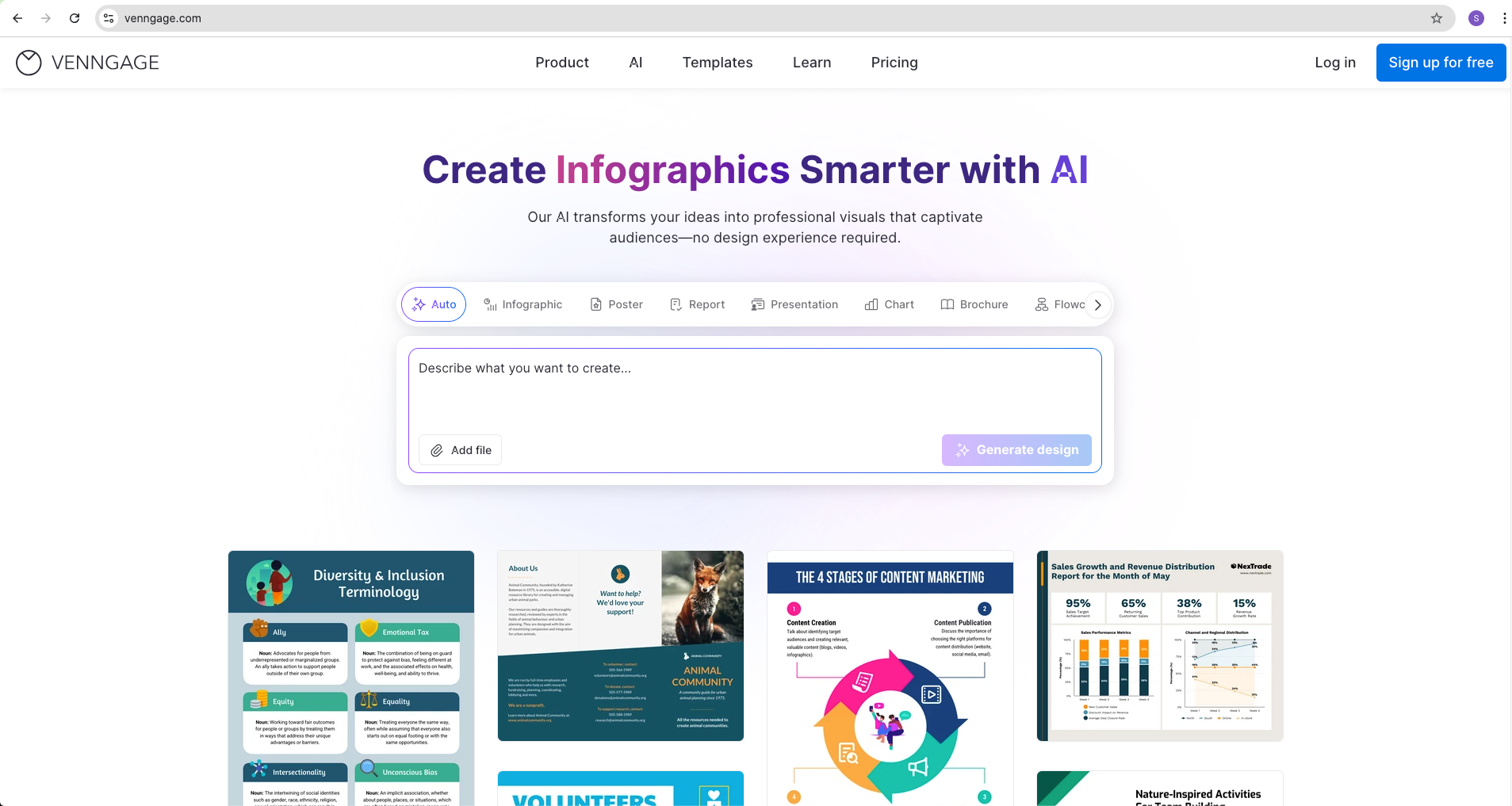
Venngage AI is an AI-powered design tool that helps anyone create professional visuals, even without design experience. You start with a prompt or upload an existing document, and it turns that into an editable design covering infographics, presentations, reports, and social graphics.
Features:
- AI design generator for prompt to design creation
- AI designer for refining designs
- AI image and icon generators for custom visuals
- AI writing assistant and text translation
- Brand kit and auto branding for consistency
- Drag and drop editor with customizable templates
- Accessibility tools and accessible PDF exports
Pros: Gets everyday marketing visuals done without waiting on a designer. Starting from an AI generated draft beats starting from a blank canvas. Keeps content on brand even when different team members create it.
Cons: Some advanced features require a paid plan. AI generated designs sometimes need manual edits to match exact requirements.
4. FluentBoards
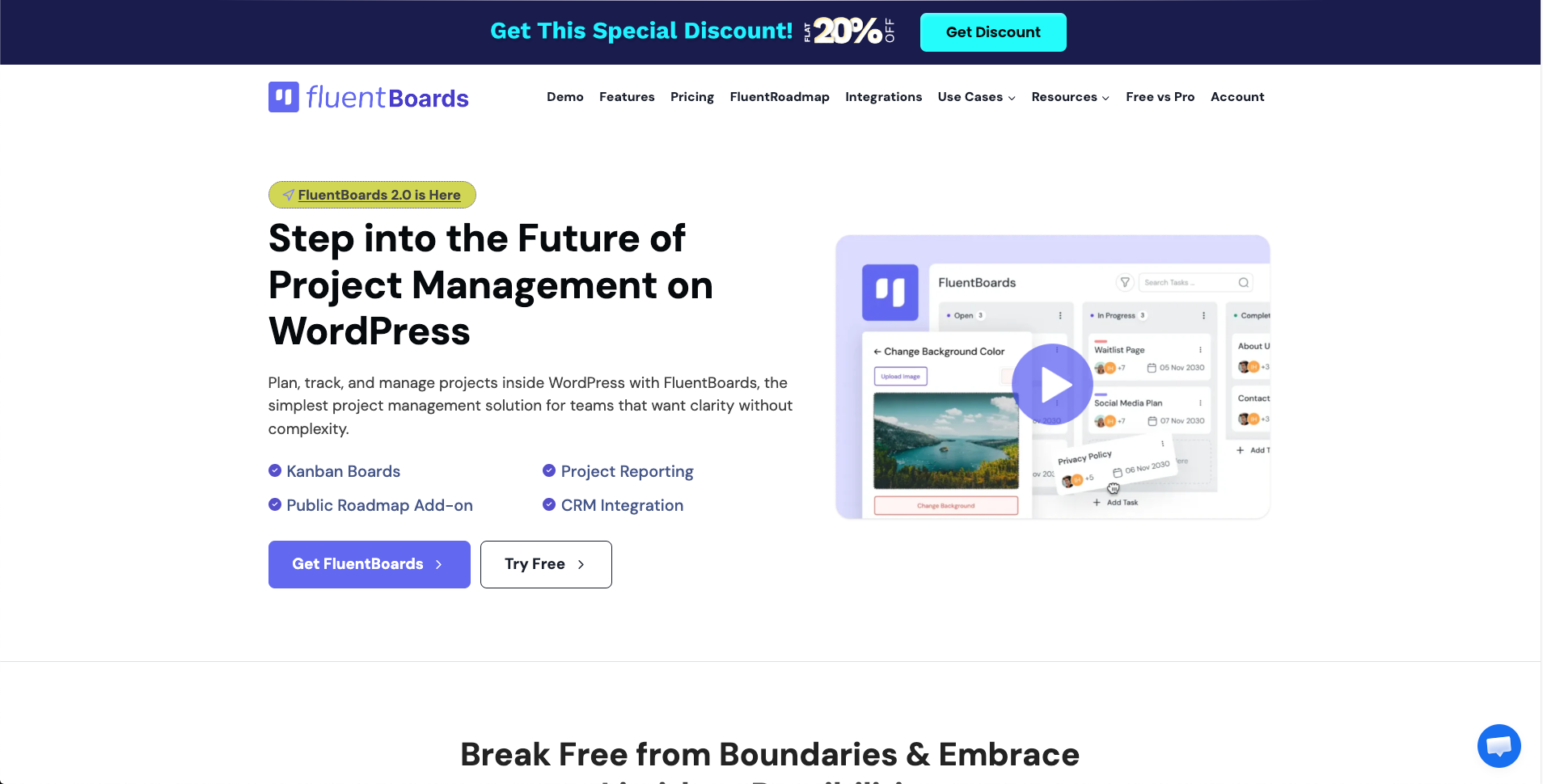
FluentBoards is a project management plugin built directly for WordPress. It lets you organize tasks and track progress from inside your existing WordPress dashboard, with a built-in AI assistant that can draft tasks and subtasks for you.
Features:
- Multiple project views including Kanban, Gantt, Table, and Calendar
- Unlimited projects, tasks, and assignees
- Custom labels, folders, and board backgrounds
- Integrations with FluentCRM, FluentBooking, and Fluent Forms
- Reporting with visual charts and member timesheets
- Built in AI writing assistant for subtasks and summaries
Pros: Self hosted with full data ownership and GDPR compliance. No per user fees, with annual or lifetime licensing. Straightforward migration path from Trello or Asana.
Cons: Requires an existing WordPress site to use. No dedicated native mobile app. Several core features are locked behind the Pro tier.
5. Famewall
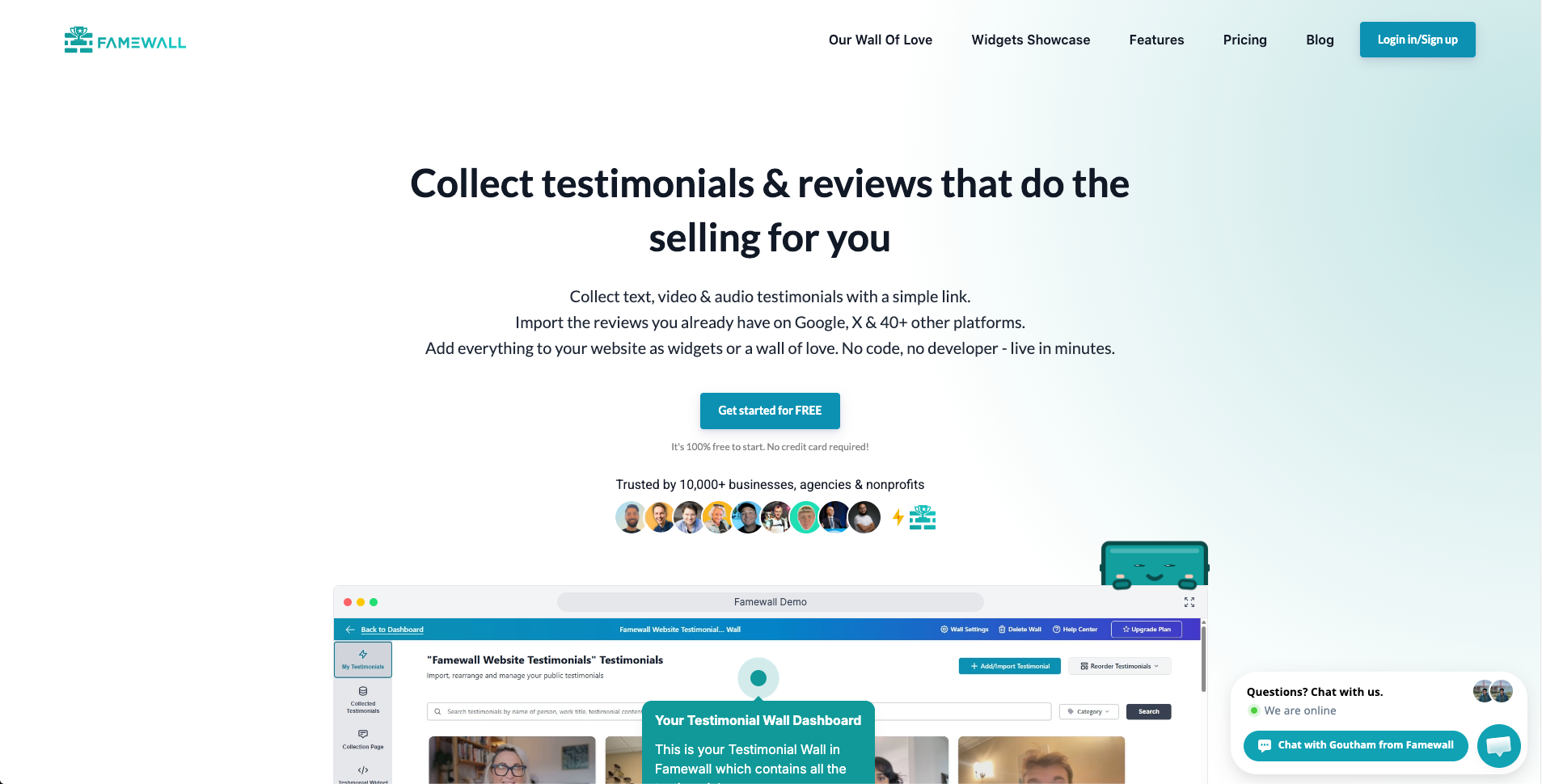
Famewall helps businesses collect, manage, and display customer testimonials to close more deals. You can collect text and video testimonials directly from customers and import existing reviews from platforms like Google, then reuse that social proof across your website, emails, and sales pages instead of hunting for old screenshots.
Features:
- Collect text, audio, and video testimonials
- Import third party reviews and social proof
- Create Wall of Fame pages
- Use social proof inside AI automations
- Testimonial widgets for any website
- Manage approvals, tags, and customer details
- Create shareable testimonial images
Pros: No code setup with no complicated onboarding. Free plan available with affordable paid tiers. Full customization options for how testimonials are displayed.
Cons: No NPS survey functionality. No brand monitoring features.
6. Lenso AI
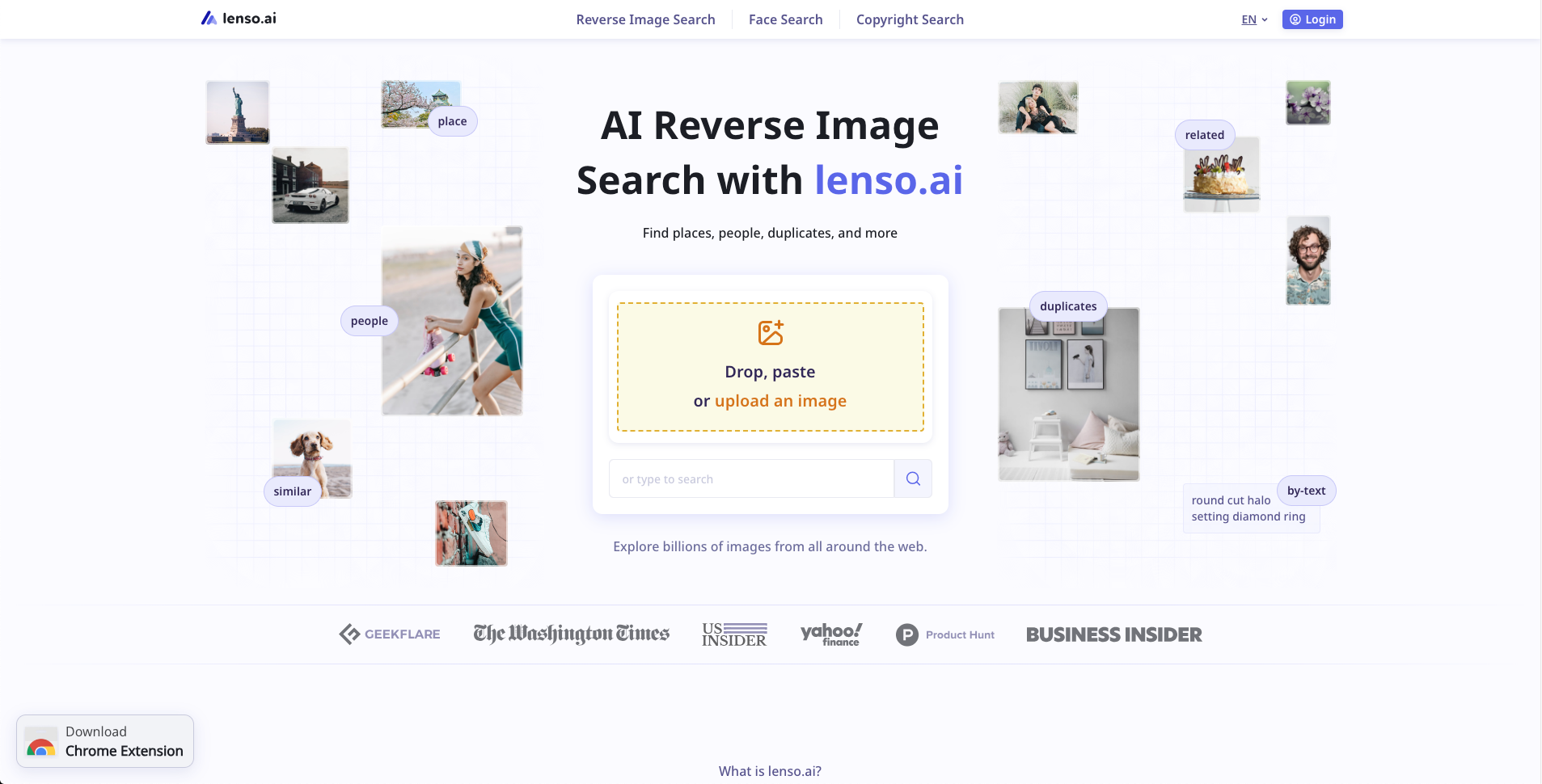
Lenso AI is an AI powered reverse image search platform that helps small businesses find where their images, products, and brand assets appear online, instead of manually checking websites one by one. It helps teams instantly verify the reach their brand or product has across the internet. More than just SEO, Lenso AI can be used to check the channels where the brand is appearing the most and understand the user sentiment.
Features:
- Reverse image search for similar images, duplicates, and related results
- Advanced filters by domain, keywords, date, language, and image properties
- Research Mode for deeper searches
- Alerts that monitor selected images for new matches
- Sorting tools to organize results
Pros: Saves time compared to manual image research. Helps track product photos and unauthorized image use. Alerts reduce the need to repeat searches manually.
Cons: Some advanced features require a paid subscription. Search results depend on what is available in Lenso AI's index.
7. DML Training
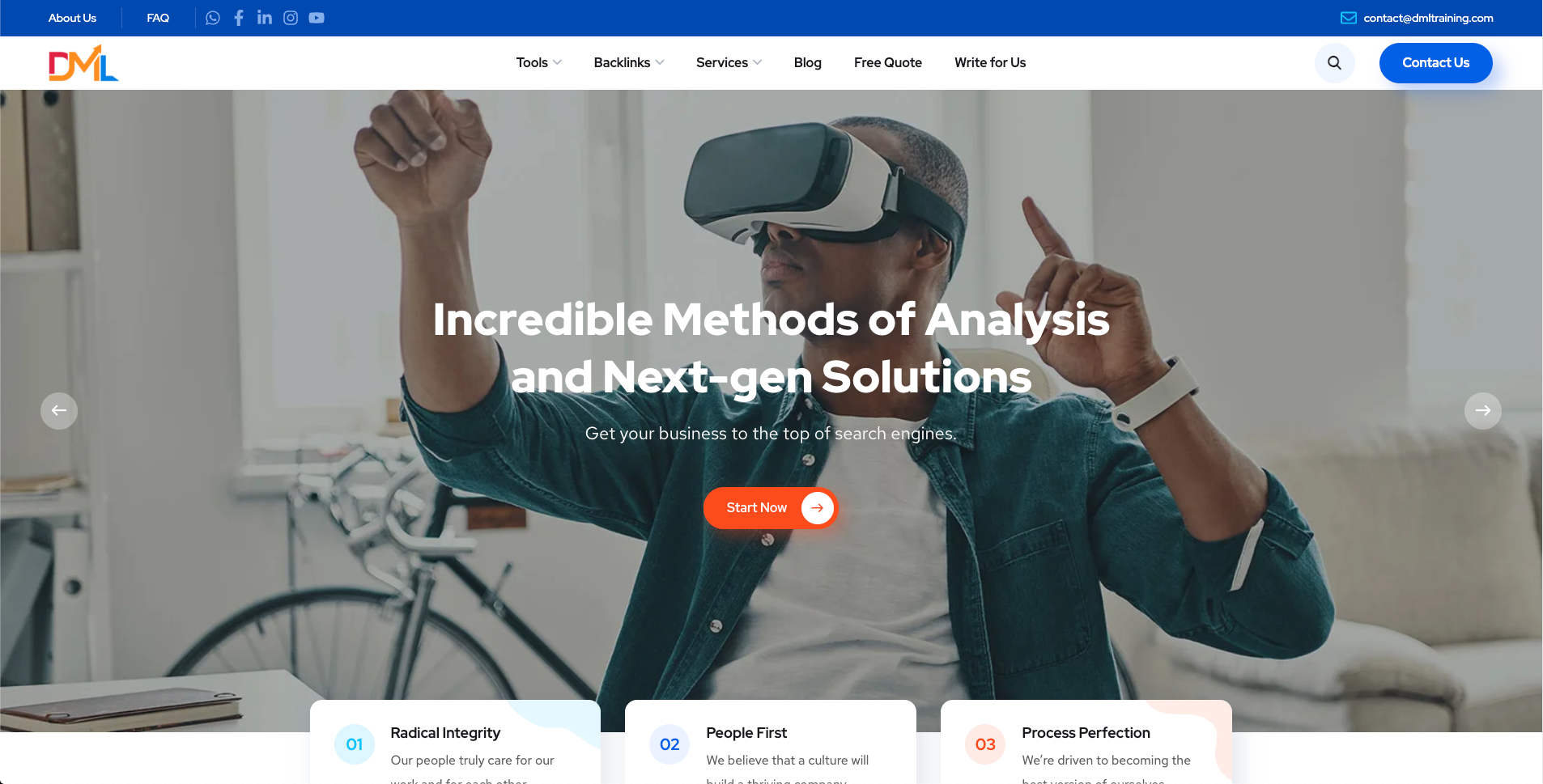
DML Training is a digital marketing learning platform offering practical guides, SEO resources, and free tools. It is aimed at marketers, students, and business owners who want to build skills in SEO, social media, content marketing, and AI, without paying for a formal course before knowing whether the topic is worth the investment.
Features:
- Free SEO and digital marketing tools
- Practical guides and tutorials
- Resources covering SEO, content, social media, and AI
- Beginner friendly learning content
- Tips and best practices for improving website performance
Pros: Free and easy to use marketing tools. Beginner friendly guides that do not assume prior experience. Covers a wide range of digital marketing topics in one place.
Cons: Some advanced topics could use more depth. Primarily useful for marketing related needs rather than general business skills.
8. actiTIME
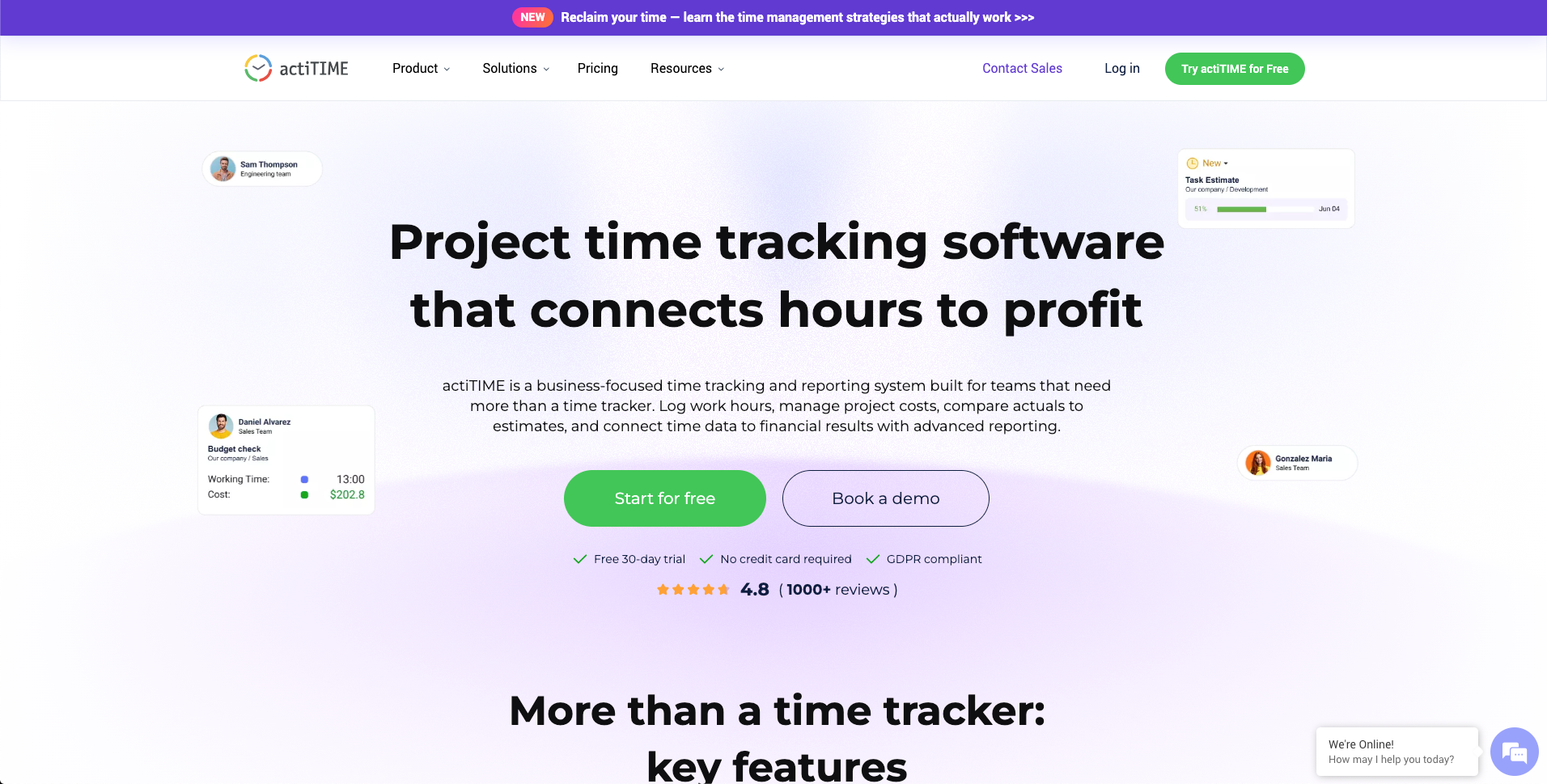
actiTIME is a time tracker built around timesheets instead of a stopwatch someone has to remember to start and stop. Staff log hours against projects and clients, and that data feeds directly into invoicing and payroll, which cuts down on nagging people to track their time.
Features:
- Daily or weekly timesheet entry with custom project and task structure
- Reports by project, client, employee, or task with billable versus non billable splits
- Invoicing generated straight from logged hours
- Leave and PTO tracking
- Cost and billing rates to see margins per client
- QuickBooks integration and an API
Pros: Timesheet based entry means less babysitting than timer based tools. Reporting is detailed enough to show client profitability and billable ratios. A self hosted option is available for businesses that do not want client data on shared servers.
Cons: Setup takes some upfront thinking since projects, tasks, and rates need to be structured first. It is not a project management tool, so you will still need something else for that. Most of the detailed work happens on desktop rather than mobile.
9. ThePayStubs
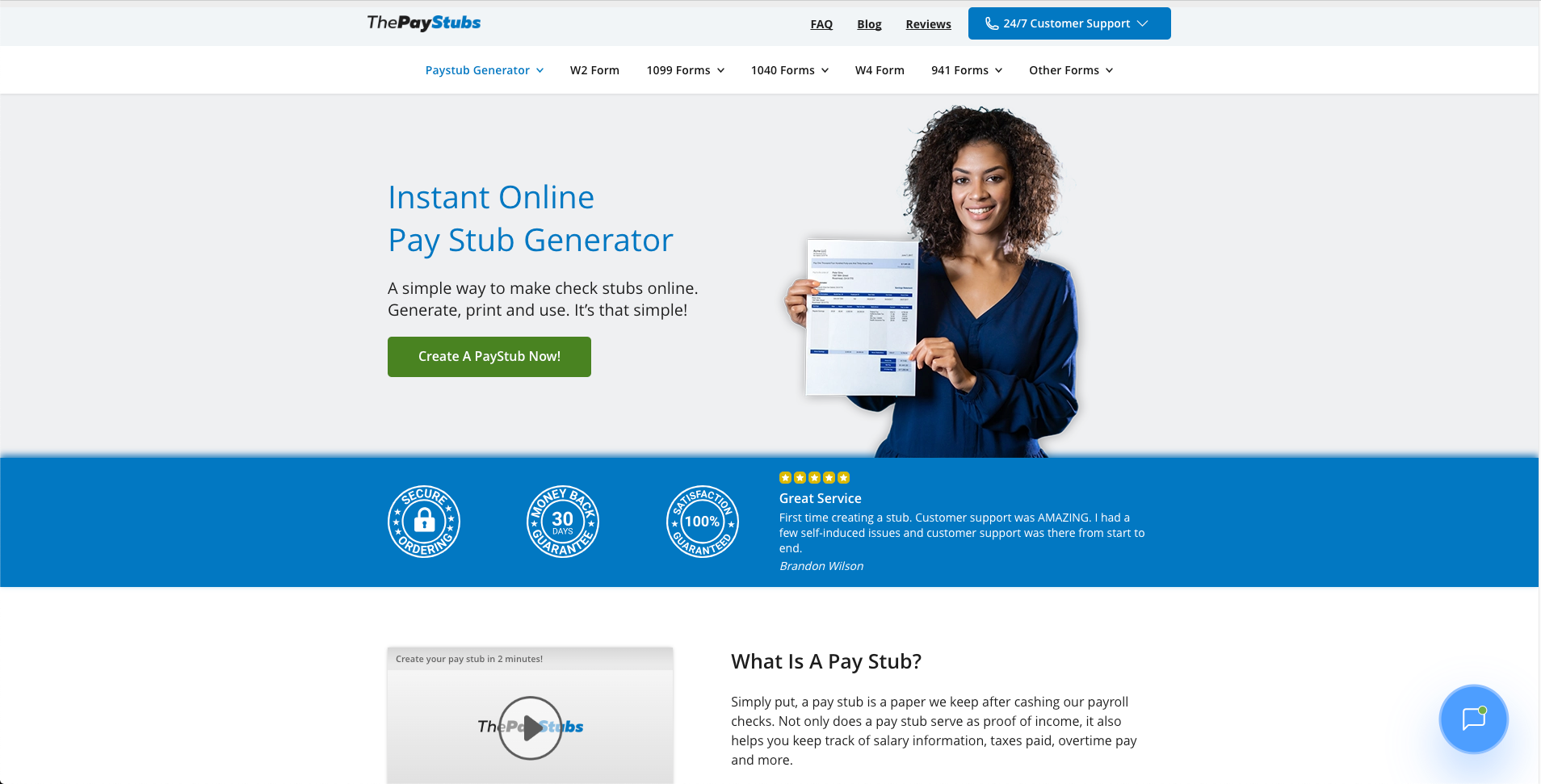
ThePayStubs is an online pay stub generator built for small business owners, employers, and self employed professionals who need to create professional pay stubs without buying full accounting software. It is a good fit for solo operators and very small teams that just need to document income and payroll for a handful of people.
Features:
- Easy to use online pay stub generator
- Customizable pay stub templates
- Support for earnings, deductions, and tax details
- Employee and employer information fields
- Generates professional payroll documents for recordkeeping
Pros: Simple interface with quick document creation. Customizable templates that require no advanced payroll knowledge.
Cons: Focused on pay stub creation rather than full payroll processing. Businesses that need benefits administration or payroll tax filing will need additional software.
10. Qandle
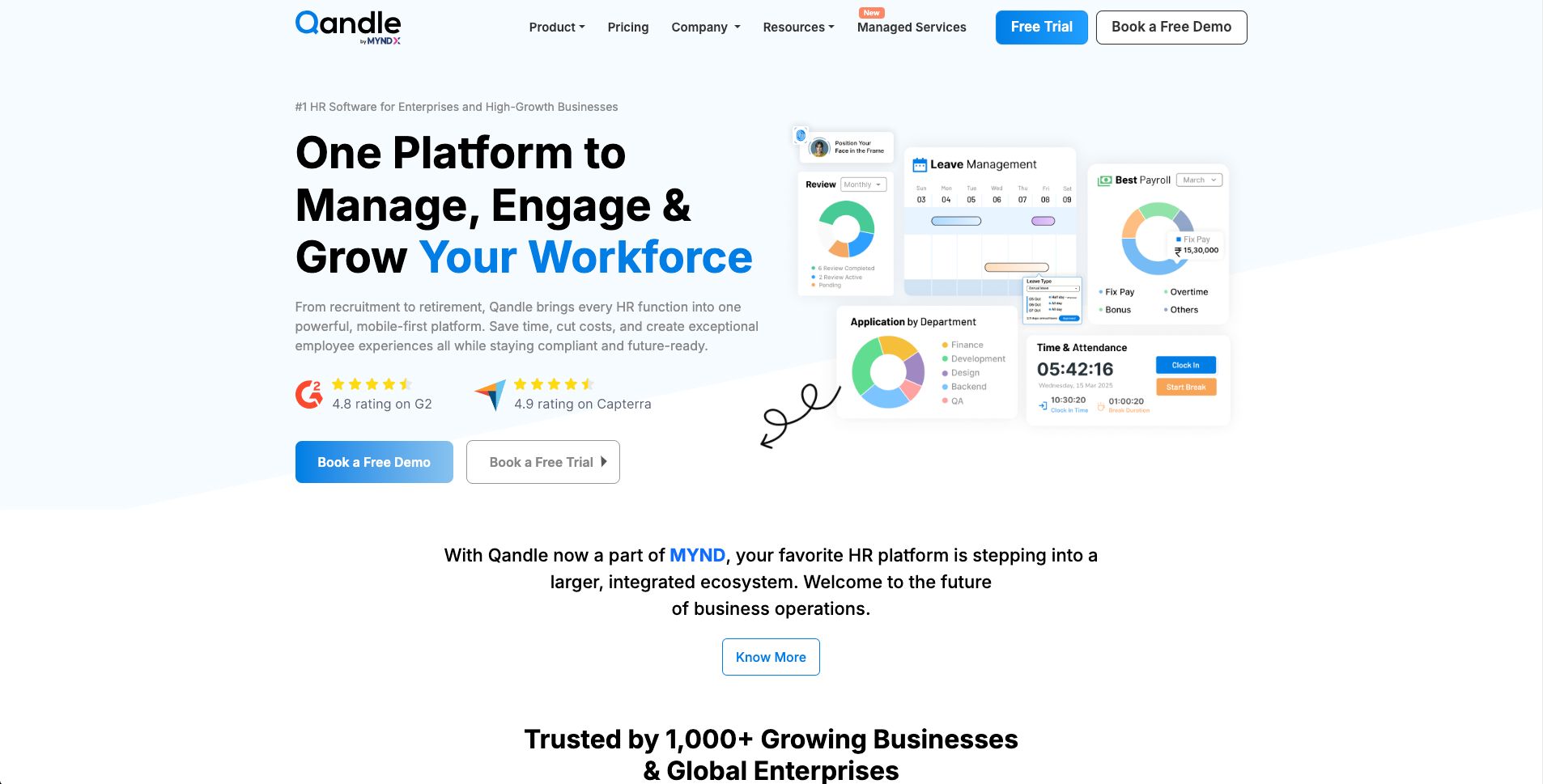
Qandle is an all-in-one HR platform covering payroll, attendance, onboarding, and analytics. It is built to automate routine HR tasks and turn HR into more of a strategic function than an administrative one, which matters for small teams where one person is often handling HR alongside several other responsibilities.
Features:
- Payroll automation with tax calculations and compliance management
- Real time attendance tracking with GPS and biometric options
- Leave and timesheet management with policy compliance
- Applicant tracking system for recruitment and onboarding
- HR analytics dashboards with predictive reporting
- Employee self service through mobile apps, including a chatbot called QanBot
- Integrations with Slack, Microsoft Teams, and Zoom, plus API access
Pros: Mobile first experience through QanBot for instant support. Quick implementation, often live in under two weeks. Consolidates most HR functions into a single platform.
Cons: Being an all in one system means teams that only need one function, like payroll, may find it more than they need. Customization for very specific workflows may require support.
11. Jobma
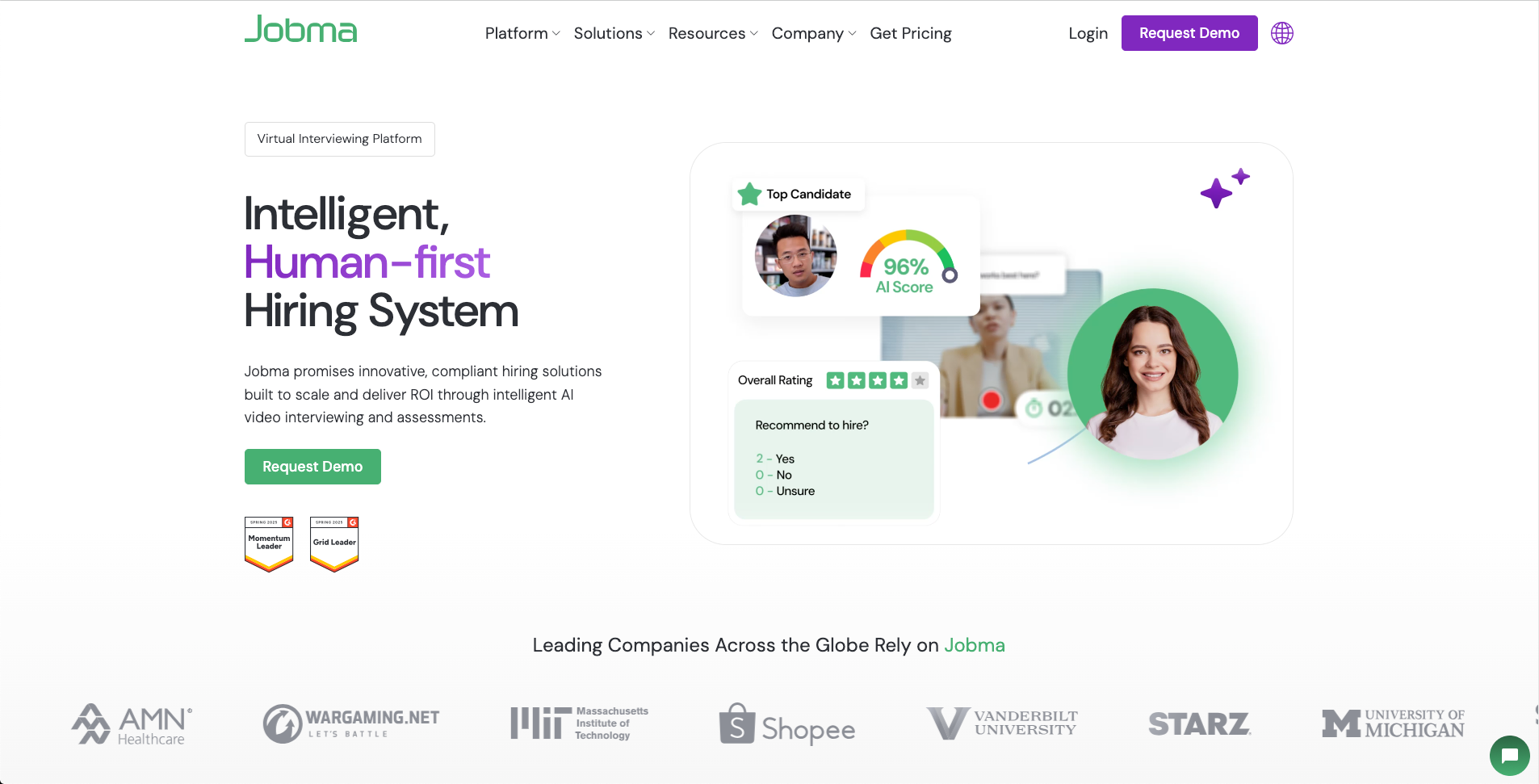
Jobma is a video interviewing and assessment platform built to make hiring faster. It supports one way, live, and AI powered interviews along with skill and coding assessments, and connects to more than 70 applicant tracking systems.
Features:
- One way and live video interviews
- AI powered autonomous interviews
- Skill and coding assessments
- AI generated summaries and candidate insights
- Candidate self scheduling
- Custom questions and scorecards
- Candidate identity verification and multilingual support
- 70 plus ATS and HR integrations
Pros: Combines one way, live, and AI powered interviews in one platform. Strong integration coverage with existing ATS and HR tools. Multilingual support and candidate self scheduling reduce coordination time.
Cons: Advanced features may require onboarding support to set up properly. Pricing is only available on request.
12. Recruit CRM
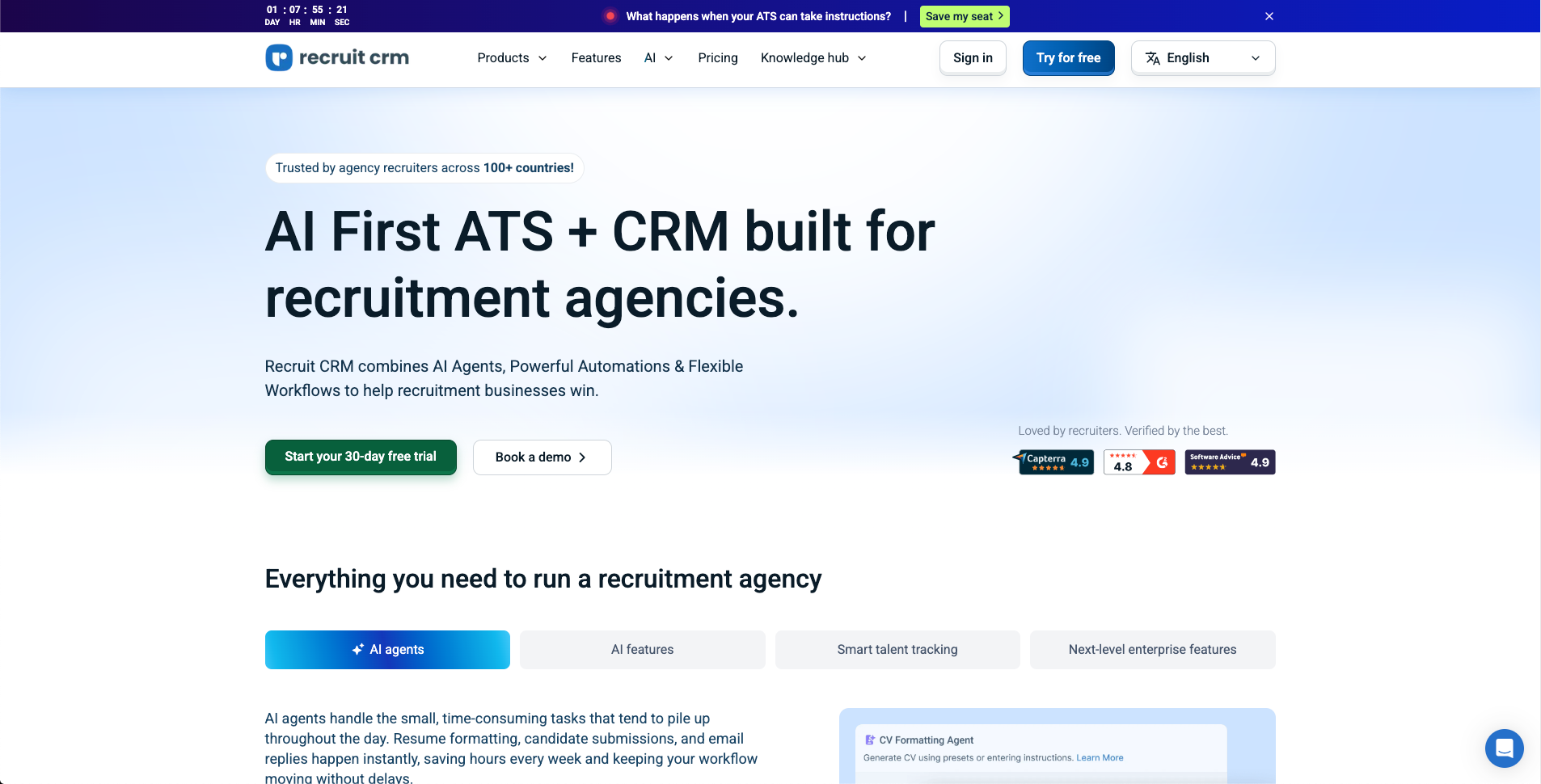
Recruit CRM is an applicant tracking system and recruitment CRM built for staffing agencies and recruiters. It combines candidate, client, and job management with automation and reporting in one workflow.
Features:
- AI powered candidate sourcing, matching, and resume parsing
- Combined ATS and CRM workflows for candidates, clients, and jobs
- Automated email, LinkedIn, and SMS outreach sequences
- Workflow automation, analytics, and customizable pipelines
- Chrome extension and job board integrations
- AI agents, timesheets, invoicing, and contract staffing tools
Pros: User friendly interface designed specifically for recruiters. Strong automation for sourcing and outreach. Customizable pipelines and reporting.
Cons: Advanced features take time to learn. Pricing can be high for small teams. Complex workflows may need more customization than is available out of the box.
13. AnswerConnect
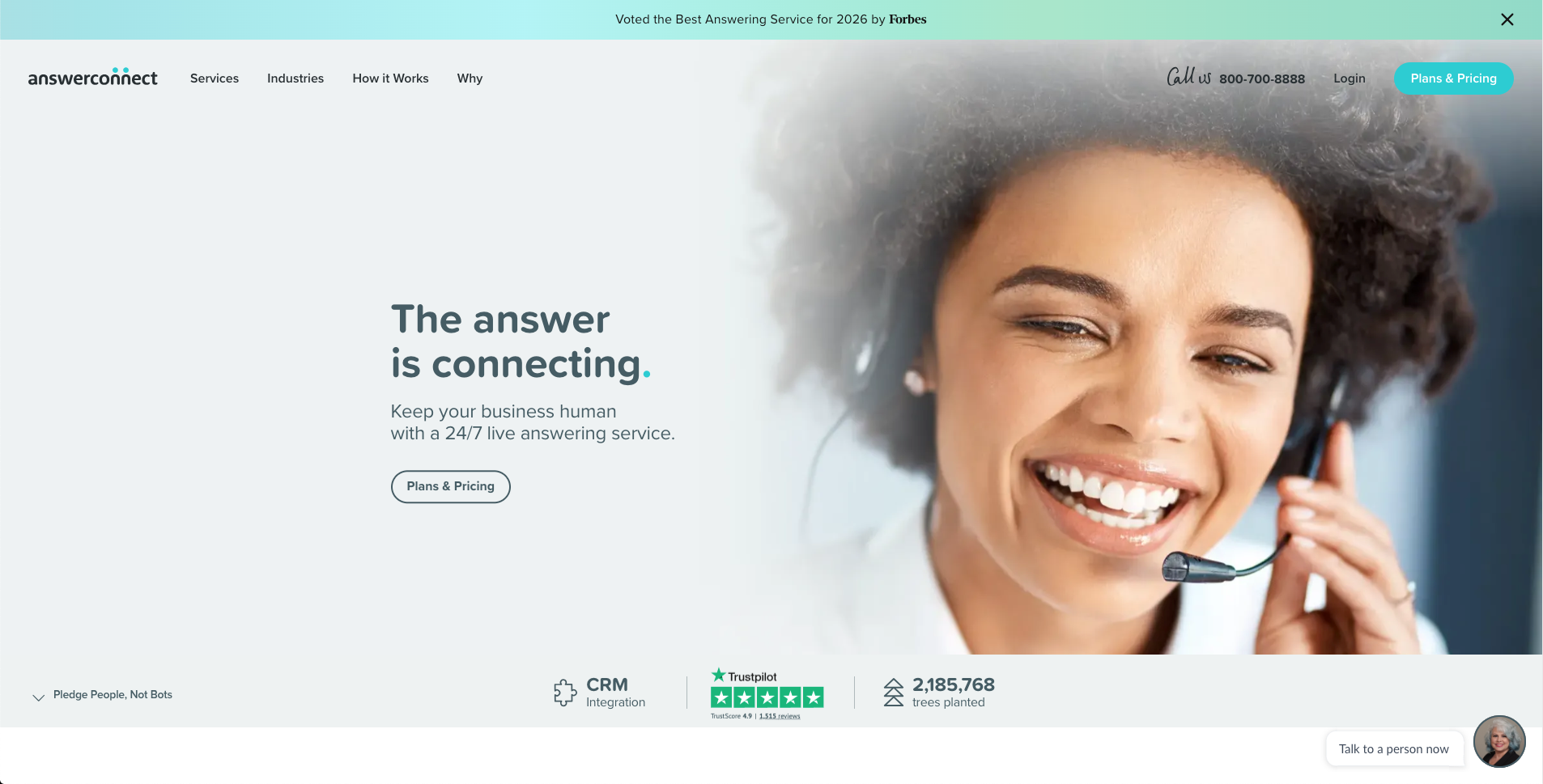
AnswerConnect is a 24/7 live answering service that gives small businesses a team of professional receptionists without the cost of hiring full time staff. Every call and web chat is handled by a real person following scripts built around your business.
Features:
- Around the clock call and web chat answering
- Appointment scheduling, lead qualification, and message taking
- Call recordings, chat transcripts, and instant notifications through a mobile and desktop app
- Connections to Salesforce, Zendesk, Zoho, and 400 plus tools through Zapier
- Bilingual support
Pros: No long term contracts required. Genuine 24/7 coverage with live human receptionists instead of bots. Fast setup and CRM integrations that slot into existing workflows.
Cons: Pricing is usage based, so it works best when you can estimate call volume in advance. It is built for phone and chat coverage rather than in person front desk tasks.
14. KrispCall
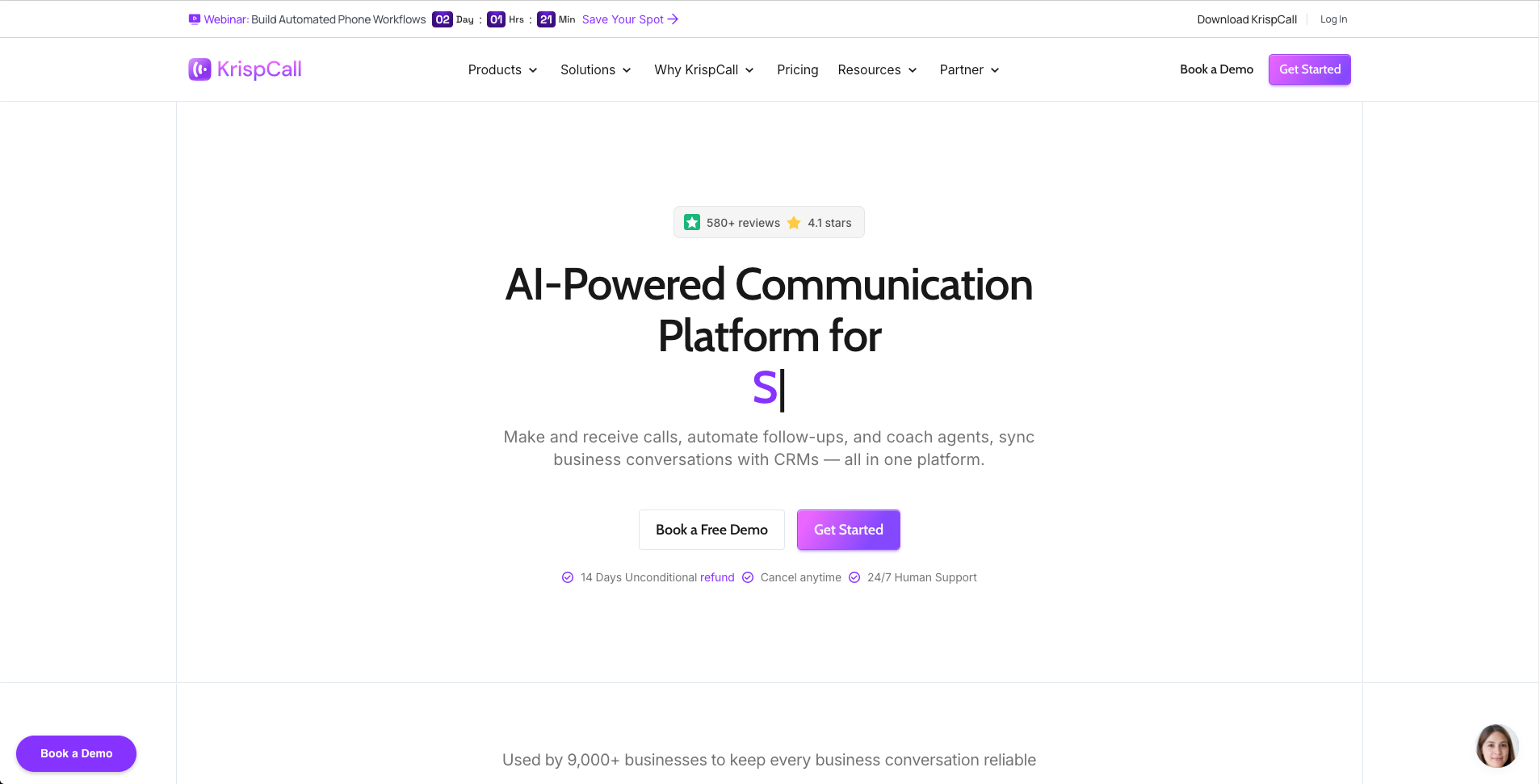
KrispCall is a cloud based phone system that combines VoIP calling, SMS, voicemail, and call recordings into one workspace called the Unified Callbox. It gives small teams a virtual business number from more than 100 countries without any hardware.
Features:
- Call transcription and summary through an AI Copilot
- Bulk SMS campaigns
- Number sharing across team members
- Unified Callbox for calls, SMS, and voicemail
- Recording playback with fast forward
Pros: Everything lives in one workspace, so you are not switching between apps for calls and texts. Virtual numbers in over 100 countries help businesses serving international customers. Power Dialer speeds up high volume outbound calling. Plans start around $12 per user per month.
Cons: Reporting and analytics feel thin once call volume grows. Some users report slower than expected setup and onboarding. The mobile app has occasional bugs.
15. SlickText
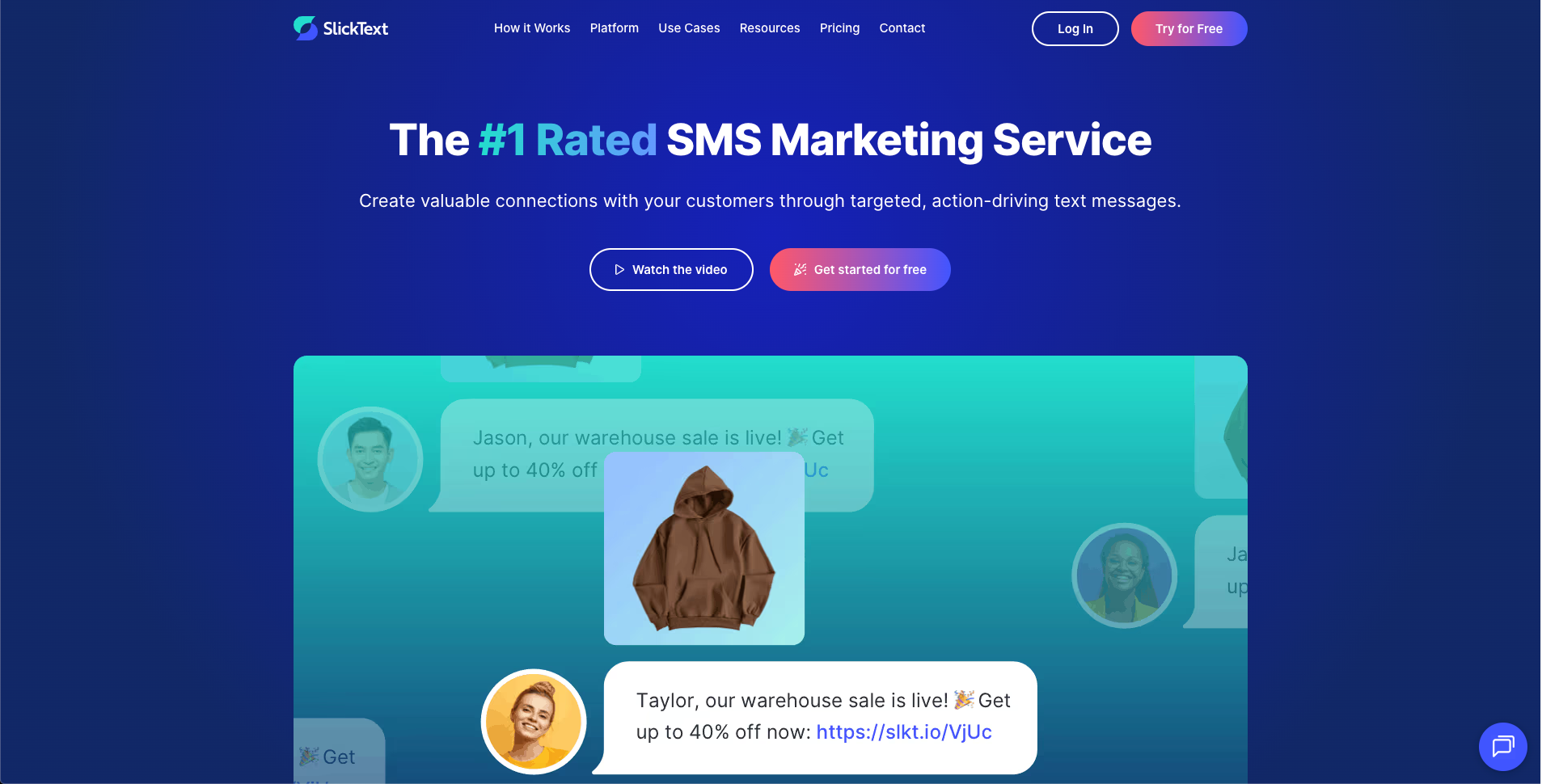
SlickText is an SMS marketing platform built to automate customer communication without adding complexity. Automated workflows let businesses build personalized customer journeys using triggers, conditions, delays, and branching.
Features:
- Targeted, personalized mass texting campaigns
- Automated workflows with triggers, branching, conditions, and delays
- List growth tools including website popups, forms, QR codes, and keywords
- Autoresponders and auto assignments in a shared inbox
- Analytics across audience, campaign, and conversation data
- Native integrations with email platforms, CRMs, and ad platforms
- Unlimited users and contacts with free incoming messages
Pros: Advanced SMS capabilities without a steep learning curve. Strong automation, segmentation, and two way messaging tools. Support from actual people rather than just a help center.
Cons: Businesses that only need occasional basic text blasts may not use the full platform. It is focused primarily on SMS rather than broader marketing channels.
16. Fathom
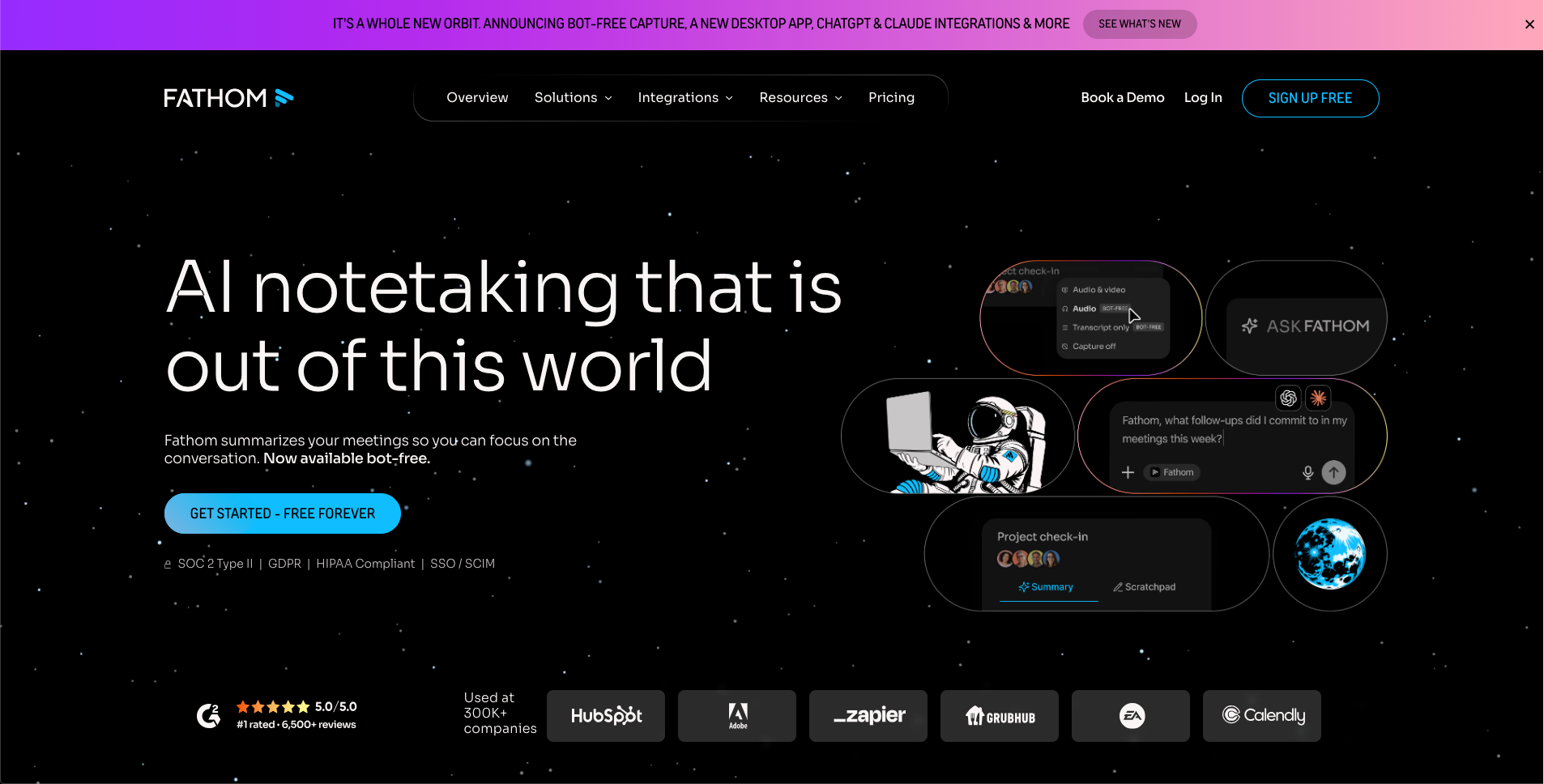
Fathom is an AI notetaker that automatically records, transcribes, and summarizes meetings on Zoom, Google Meet, and Microsoft Teams. It is used at more than 300,000 companies and offers a free plan alongside paid tiers with CRM sync and coaching analytics.
Features:
- Automatic recording, transcription, and summarizing of meetings
- Bot free desktop app that captures calls without a bot joining
- Native integrations with ChatGPT and Claude
- Field level CRM sync with Salesforce and HubSpot, plus coaching scorecards
- Account wide AI search across team calls with highlight playlists
- SOC 2 Type II, GDPR, and HIPAA compliant security with SSO and SCIM
Pros: The free plan is genuinely free forever with no seat minimum. Bot free capture is uncommon in this category. Deep CRM sync plus AI tool integrations. Enterprise grade security standards.
Cons: CRM sync, deal view, and coaching scorecards are locked behind the pricier Business tier. Team and Business plans require a two user minimum. No coaching analytics on free or individual plans.
17. SuperMoney
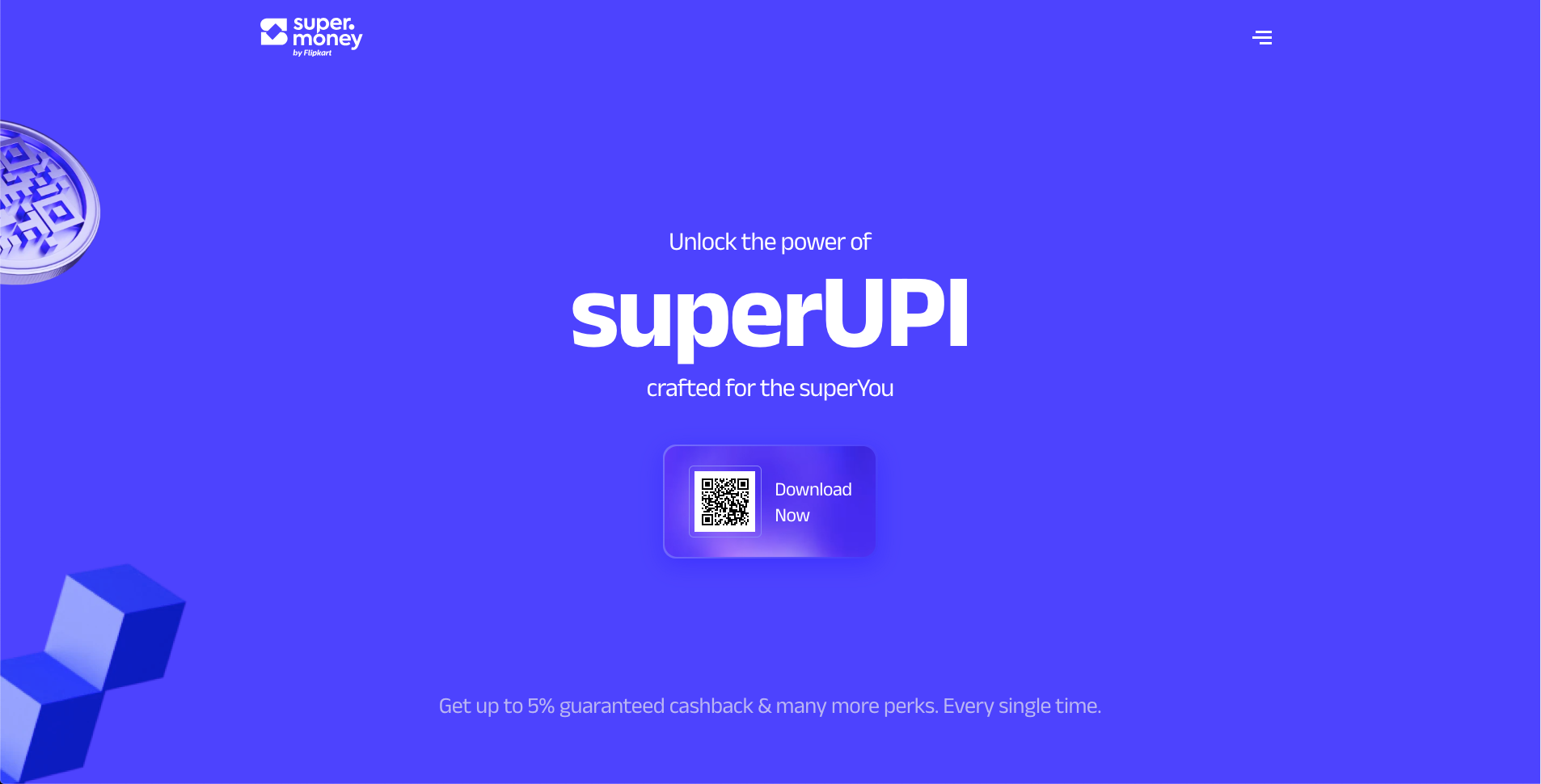
SuperMoney is a finance platform that helps small business owners manage money without juggling several logins. It combines a comparison marketplace for loans and credit with an AI powered app for budgeting, account aggregation, and credit monitoring.
Features:
- AI powered budgeting that adjusts to actual spending
- Account aggregation pulling checking, credit, and loan accounts into one dashboard
- Credit monitoring with automated refinancing alerts
- Comparison marketplace for business loans, credit lines, and equipment financing
- Soft credit checks only, so rate shopping does not affect your score
- Free calculators for loan payoff and budgeting scenarios
Pros: Consolidates budgeting and lending comparison in one app. Soft credit pulls mean free rate shopping. Backed by more than a decade of track record and industry recognition.
Cons: Built primarily for the US market, so it will not suit teams outside that region. Some features push toward SuperMoney's own marketplace rather than staying fully neutral.
18. Filecamp
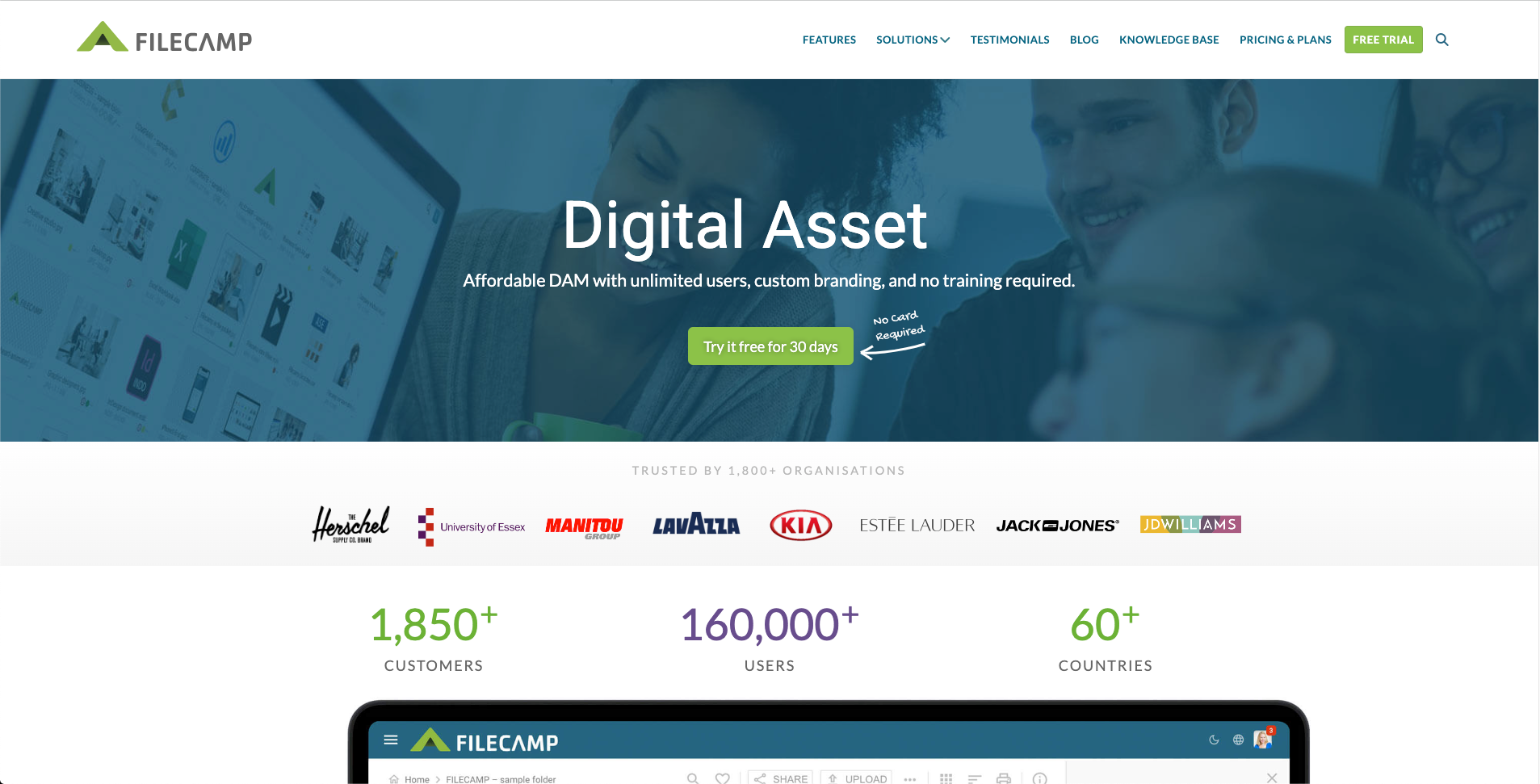
Filecamp is a cloud based digital asset management platform that helps small businesses organize, find, share, and collaborate on files in one central place instead of scattered folders and email attachments.
Features:
- Centralized cloud library for images, videos, and documents
- Fast search with tags, metadata, and AI assisted auto tagging
- Branded client portals and customizable themes
- Secure file and folder sharing with configurable download options
- User roles and folder level access controls
- Comments, approvals, and version history
- Unlimited users on every plan
Pros: Affordable pricing starting at $29 per month with unlimited users. Easy to set up without needing a dedicated administrator. Strong branding and client facing sharing options.
Cons: No public API yet. Fewer advanced enterprise features than larger digital asset management platforms. Best suited to teams that want simplicity over highly complex workflows.
19. Vendasta
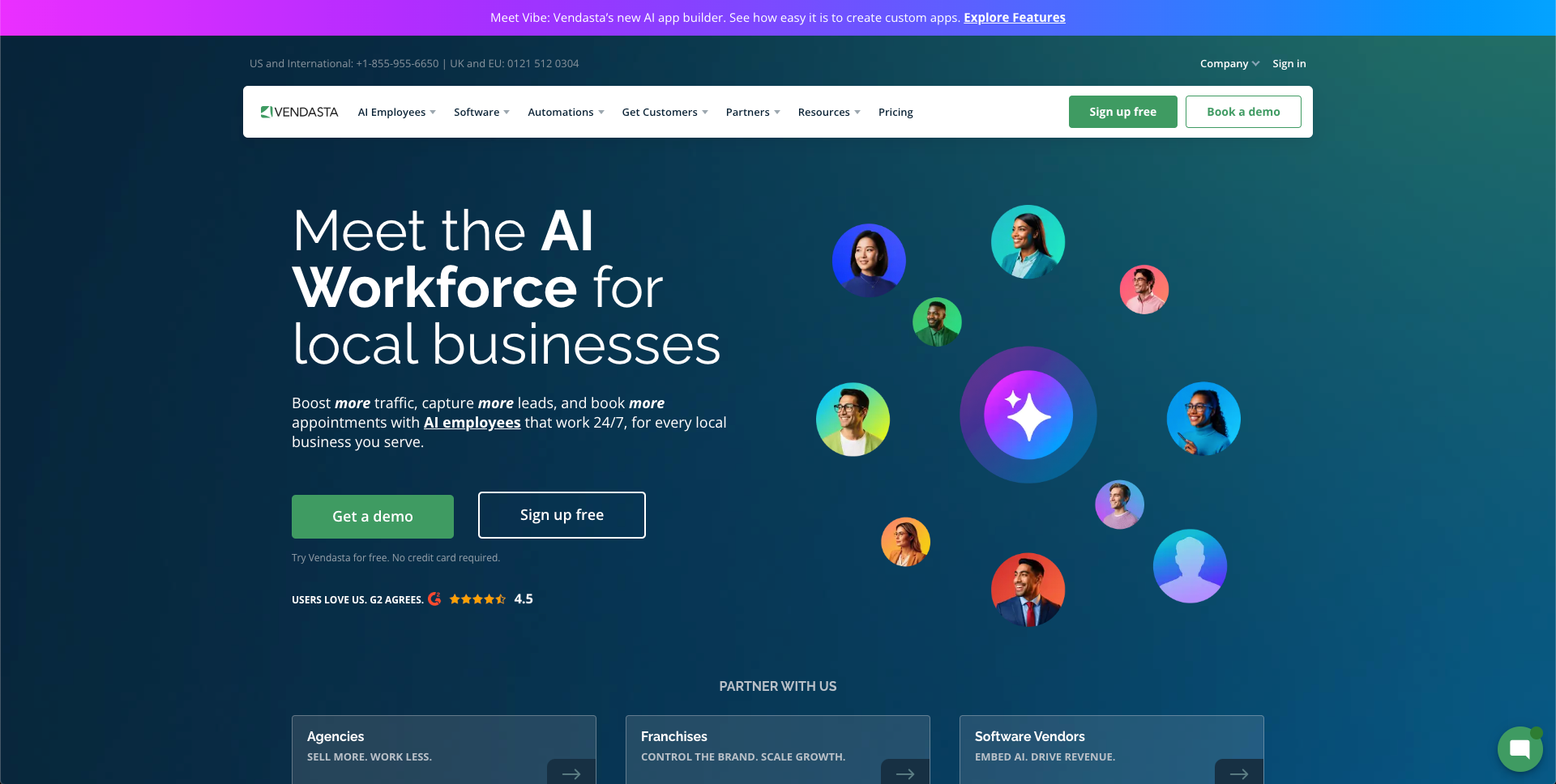
Vendasta is an AI workforce platform that puts AI employees to work across marketing, sales, and operations. Instead of manually chasing leads or scheduling posts, business owners can deploy prebuilt AI employees or build custom ones trained on their own processes.
Features:
- Prebuilt AI employees for lead capture, reputation management, and content creation
- No code setup for custom AI employees
- Connections to Vendasta CRM and scheduling tools
- Automated review requests and follow up
- Around the clock operation, including after hours
Pros: Bundles lead capture, reputation management, and content creation into one platform, cutting down on separate subscriptions. No code setup lets non technical owners configure AI employees without developer support. Works after hours when small teams cannot staff coverage.
Cons: Built to work within Vendasta's broader platform, so it suits businesses open to an all in one system more than a single purpose tool.
20. ForgeSparse
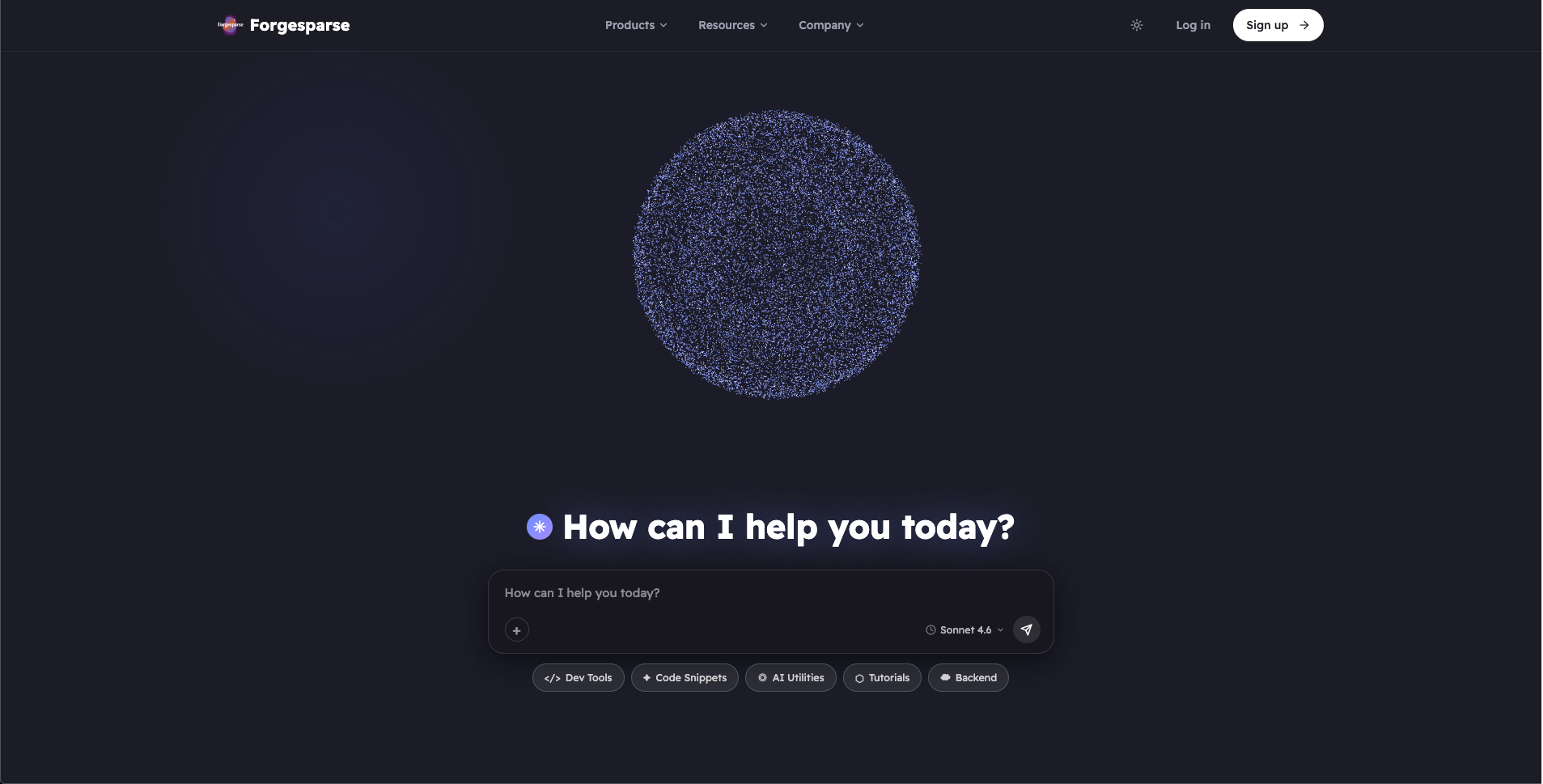
Sheetwire by ForgeSparse is a no code tool that turns spreadsheet data into a JSON API. It helps developers and small teams connect spreadsheet data with websites and apps without building a backend from scratch, which is useful for a quick prototype, an internal tool, or a small app that does not justify hiring backend help.
Features:
- Converts spreadsheets into JSON APIs
- No backend development required
- Quick and simple API setup
- Connects spreadsheet data with websites and apps
- Developer friendly JSON output
Pros: Quick spreadsheet to API conversion. No backend development required. Simple setup that saves development time.
Cons: Best suited for spreadsheet based data rather than complex applications. Performance depends on how the spreadsheet is structured.
Conclusion
No single tool on this list will run your entire business, and that is fine. The goal is not to buy everything here, it is to identify where your team loses the most time each week, whether that is project coordination, scheduling, answering phones, or tracking hours, and pick one or two tools that solve that specific problem well. A small business with a lean team benefits more from three tools used properly than ten tools half configured.
Start there, test the tool for a month with your real workload rather than a demo account, and only add a second tool once the first one has earned its place in your routine. Software that sits half used is still a cost, even when the subscription itself is cheap.