In this article
Running a business on your own or with a small team means your to-do list never really ends. And with limited time and resources, you need tools that help you get things done and streamline your work. But which ones?
Here's the thing: you probably don’t need more productivity tools. You need the right tools for the parts of your workflow that are slowing you down. After all, a tool that solves a problem you don't have is just one more login to remember.
In this article, we'll cover 10 productivity tools worth checking out for solopreneurs and small teams, grouped by the problems they solve. We'll also show you how to put together a lean stack of tools and how much it could cost each month.
1. "I can't keep up with social media"
Posting consistently is the time sink that tends to fall apart first, usually the week client work picks up. These two tools handle different halves of it: one keeps your posts going out, and the other handles the conversations those posts start.
MeetEdgar: for posting on autopilot
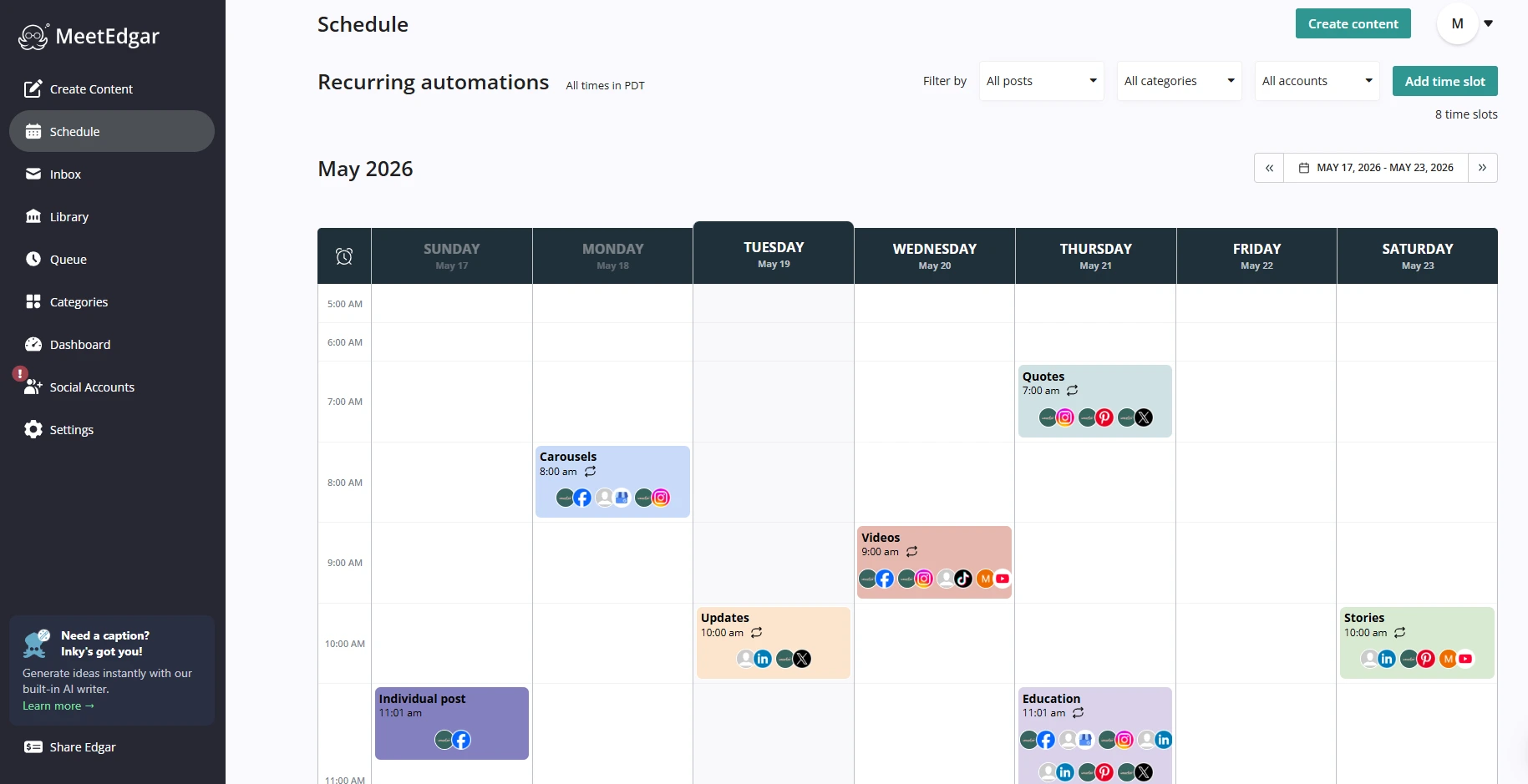
MeetEdgar is a social media scheduler built around a Library. You save your posts once, sort them into Categories such as Tips, Promotions and Testimonials, and your Schedule pulls from those Categories on repeat. Posts come back around on their own, so your accounts keep going in the weeks you have no time to write anything new. It publishes to Facebook, Instagram, LinkedIn, Pinterest, TikTok, Threads, X, Bluesky, Google Business Profile and YouTube Shorts, and Inky AI helps you write and vary captions.
Every plan includes 20 team members, which suits a solopreneur who brings in a virtual assistant or a small team that shares one set of accounts. You can see how it fits a social media scheduling tool for small business use case, or compare it with other social media schedulers if you want to shop around.
Pricing
Plans start at $24.91/month for the Eddie plan billed annually ($29.99 billed monthly). It includes 5 social accounts, unlimited scheduled posts, 20 team members and 15 Inky AI credits a month.
MeetEdgar also offers a free trial of 30 days.
ManyChat: for automating comments and DMs
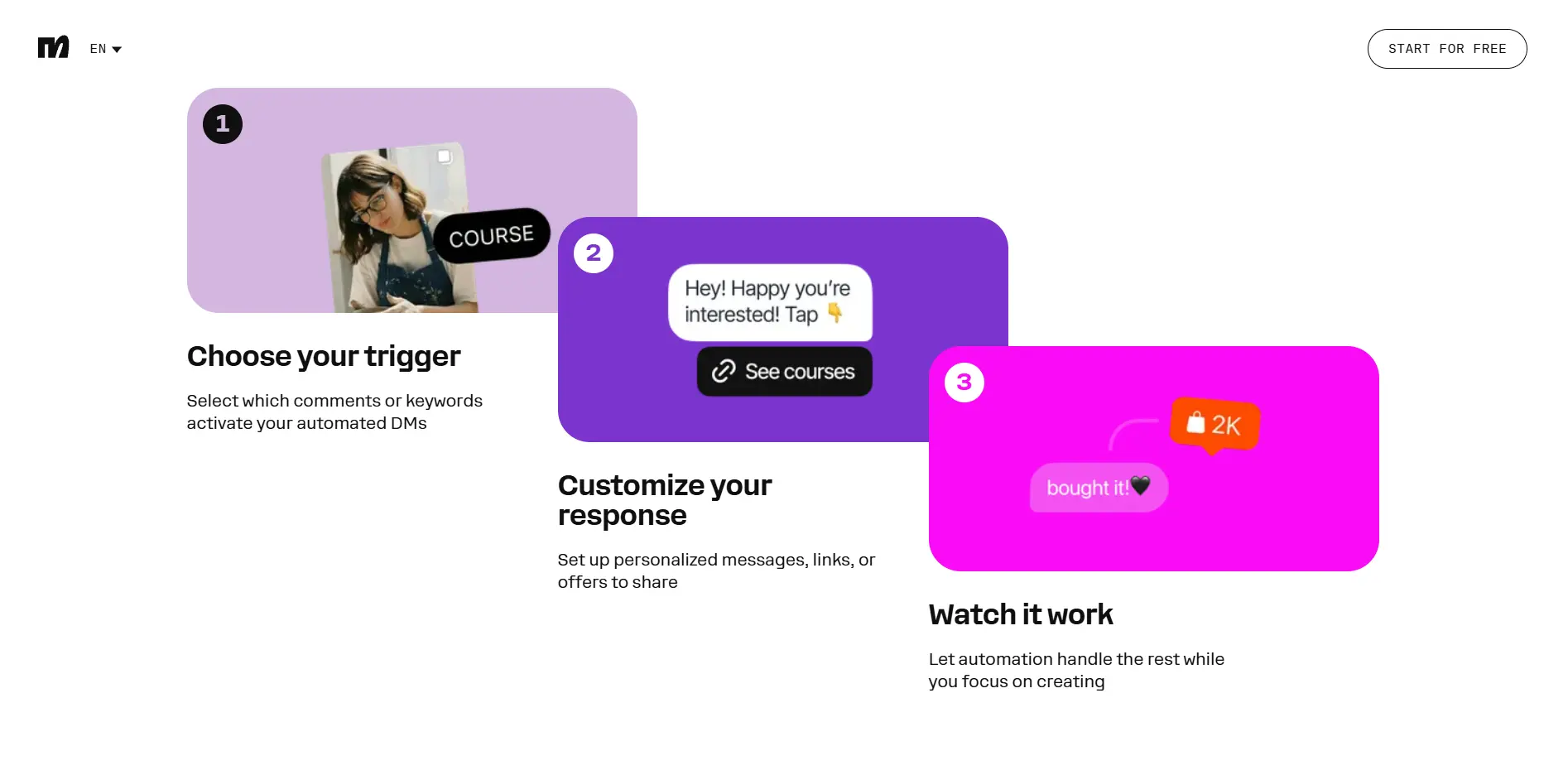
ManyChat automates conversations on Instagram and other messaging channels. It can reply when someone comments on a post, answer direct messages, send a link, collect an email address or phone number, and send a welcome message to new followers. Think of it as a partner to your scheduler: your posts bring people in, and ManyChat handles the first conversation. Its pages focus on conversations, so pair it with a scheduler like MeetEdgar for the posting side.
One thing to watch is that ManyChat prices by active contacts. The Free plan covers 25 contacts a month, which is enough to test an idea, and paid plans grow with your audience.
Pricing
Plans start at $14/month for Essential when billed yearly ($168/year), which includes 250 contacts, with free trial of 14 days on the Essential and Pro plans. ManyChat also offers a Free plan, which includes 4 active automations per month.
2. "My tasks are scattered everywhere"
If your to-dos live simultaneously in your head, three notebooks and an inbox, you spend much energy just remembering what's next. One home for your tasks fixes that faster than any new habit.
Trello: for seeing everything on one board
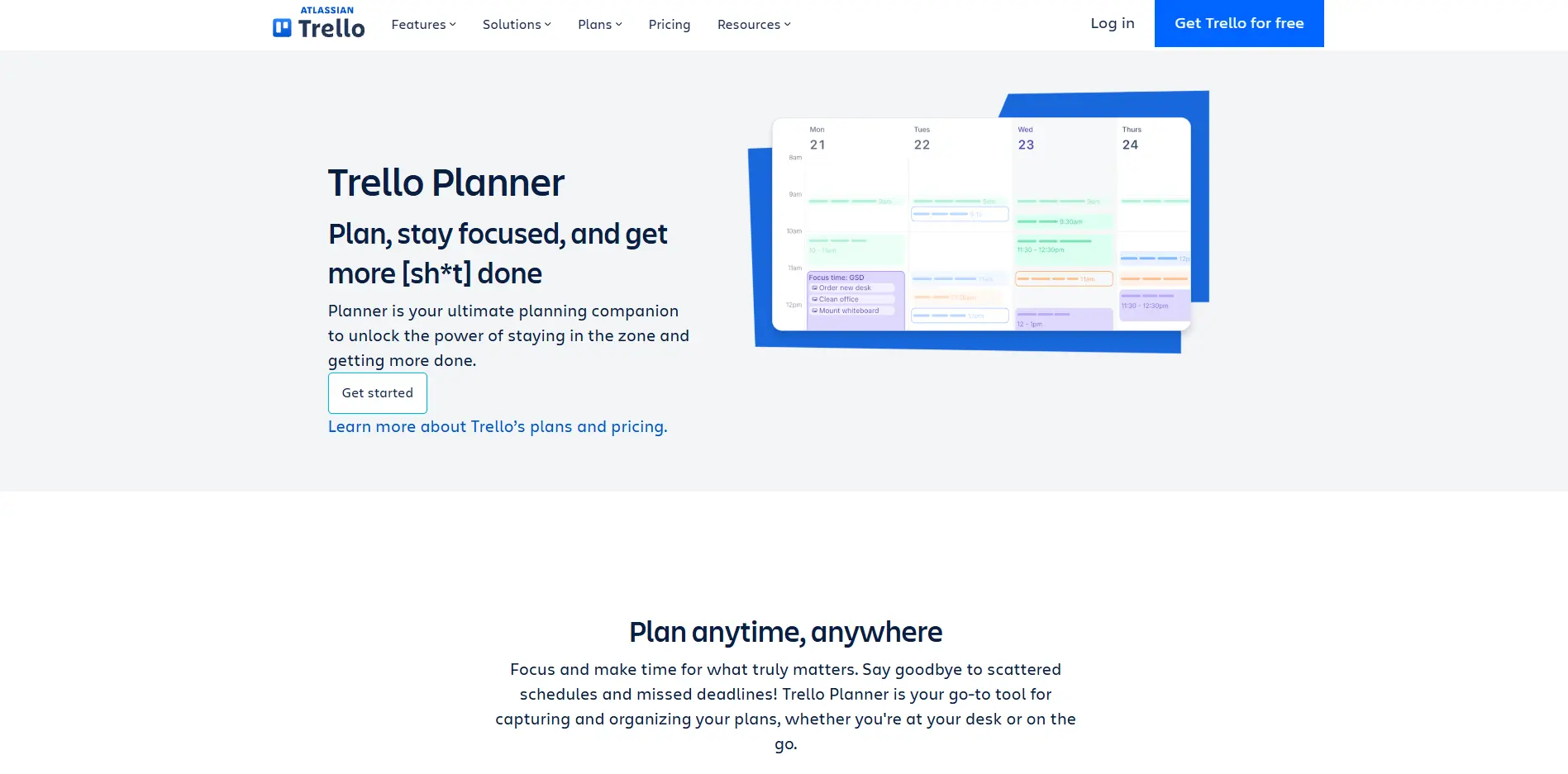
Trello organizes work into boards, and each task is a card you move across columns such as To Do, Doing and Done. It works well if you think visually and want to see client projects, content ideas or a launch checklist in one place. The Free plan includes unlimited cards and up to 10 boards per Workspace, and it works for up to 10 collaborators per Workspace, so a small team can start without paying. Standard adds unlimited boards, AI, custom fields and a Planner view.
Pricing
Paid plans start at $5/user/month for Standard billed annually ($6 billed monthly), which adds unlimited boards, AI, custom fields and a Planner view. Trello also offers a free plan, which includes unlimited cards, up to 10 boards per Workspace and 10MB per file.
Notion: for notes, tables and tasks in one workspace
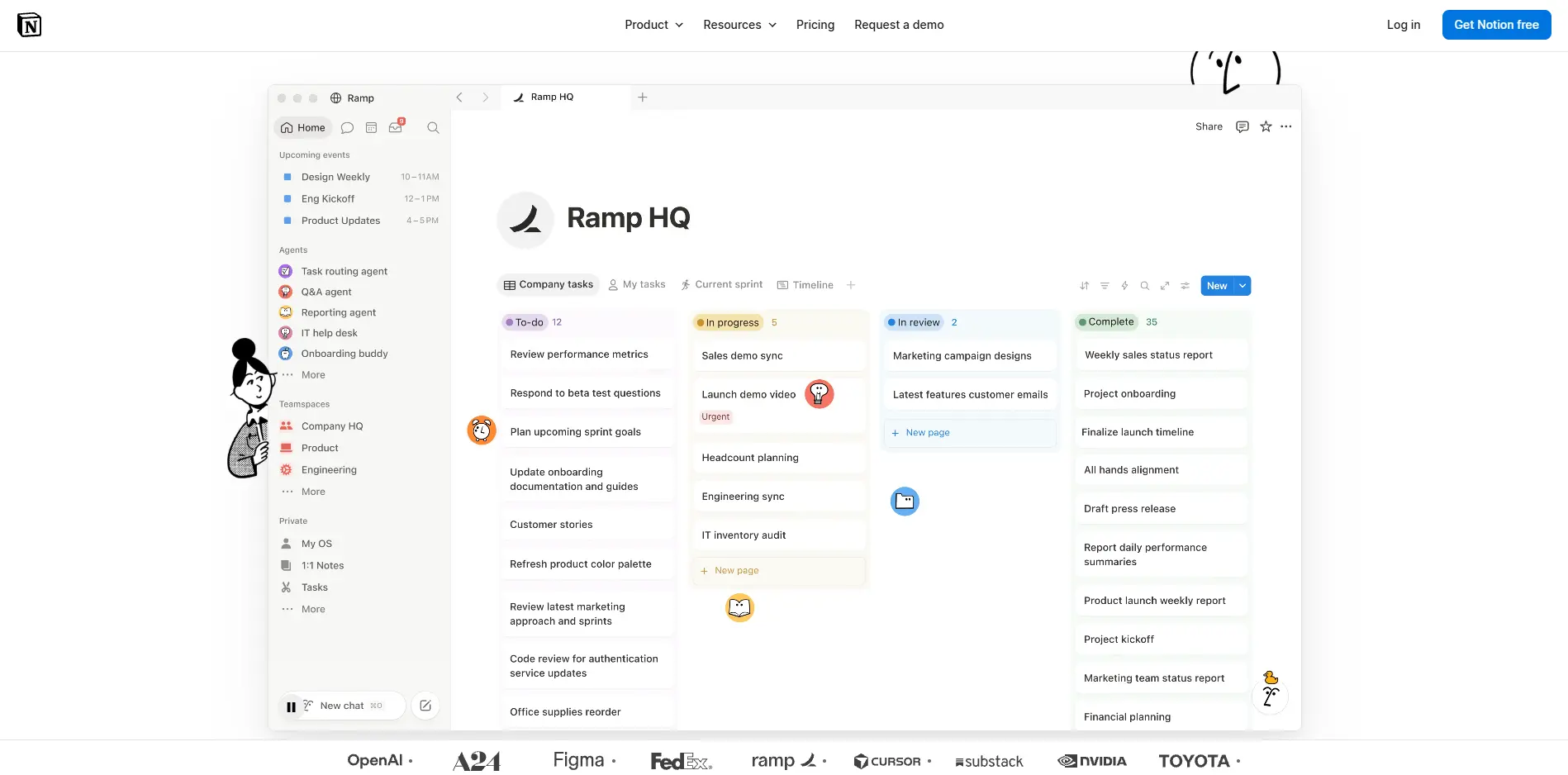
Notion combines documents, databases and task lists in a single workspace. Solopreneurs often use it for a content calendar, client notes, standard processes and a simple project tracker, all linked together. It takes longer to set up than Trello because you build your own structure, and that flexibility is the point if you like to shape your tools.
Pricing
Paid plans start at $10/member/month for Plus billed yearly ($12 billed monthly). On the Free plan, individuals get unlimited pages and blocks, but teams of two or more get a limited number of blocks, so most small teams end up on Plus.
3. "Content takes too long to make"
Graphics and captions can eat an entire afternoon when you start from a blank page. These two tools get you to a first draft much faster.
Canva: for fast graphics and social posts
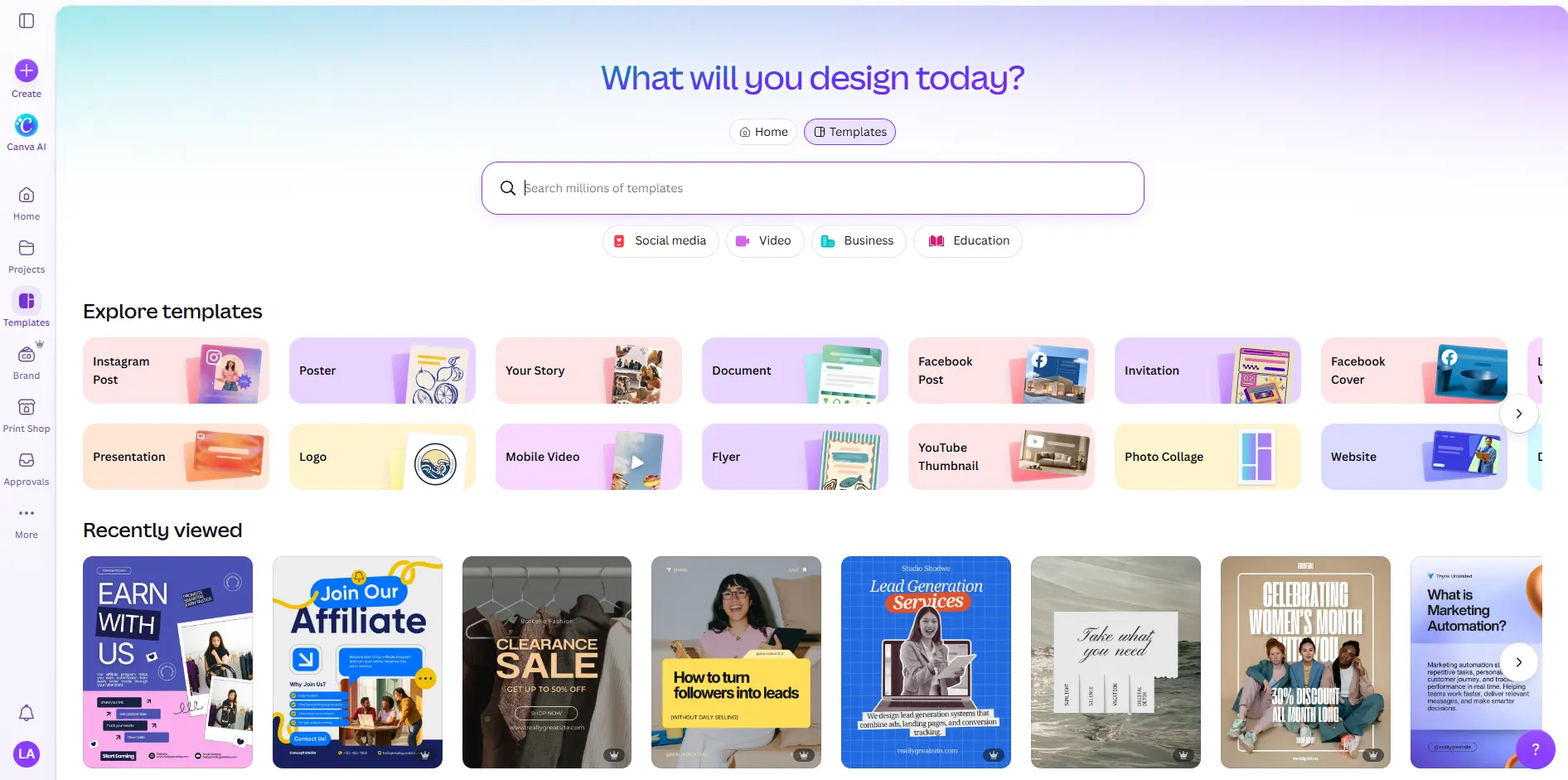
Canva is a drag-and-drop design tool with templates for social posts, carousels, presentations, flyers and more. You start from a template, swap in your photos and words, and export. The Free plan includes the editor, a large template library, one Brand Kit and 5GB of storage, along with a limited allowance of AI features. Pro raises that AI allowance to about 10 times the Free plan's and includes tools such as resize, translate and background removal.
Pricing
Paid plans start at $144/year for Pro, for one person, and Business is $250/year per person for teams. Canva also offers a free trial of 30 days for its paid plans.
Claude: for ideas, drafting and thinking things through
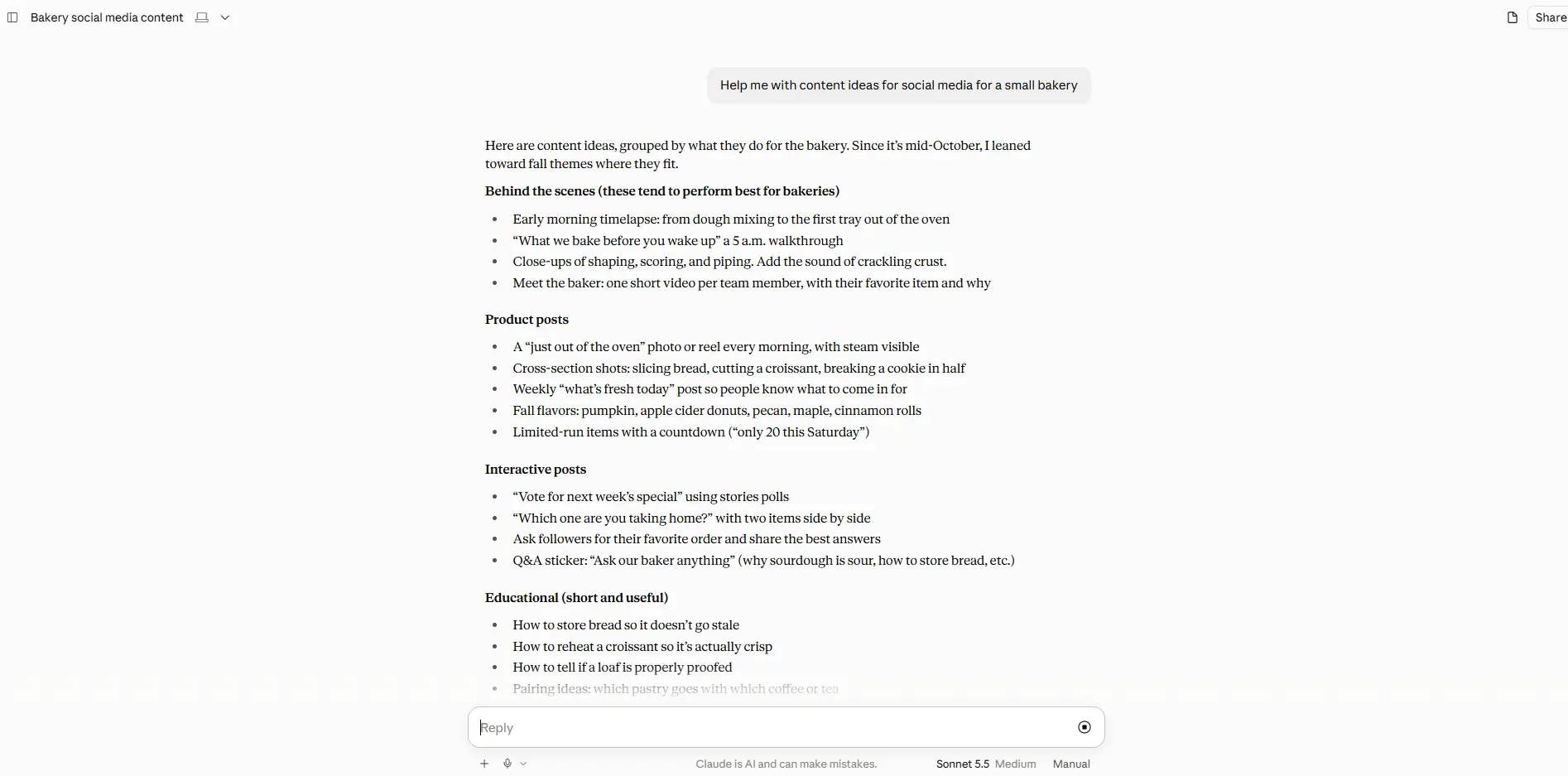
Claude is an AI assistant from Anthropic. Solopreneurs use assistants like it to draft emails and captions, turn rough notes into an outline, tighten a paragraph, or talk through a decision when there's nobody else to ask. It gives you a starting point, and you still need to read what it writes and check any facts or numbers before they go out.
Pricing
Paid plans start at $17/month for Pro billed annually ($200 billed up front), or $20 billed monthly. Teams can add Team Standard seats at $20/seat/month billed annually ($25 billed monthly).
4. "Admin and invoicing eat my week"
Getting paid should not take longer than doing the work. A good invoicing setup also makes tax time less painful.
QuickBooks: for full accounting as you grow
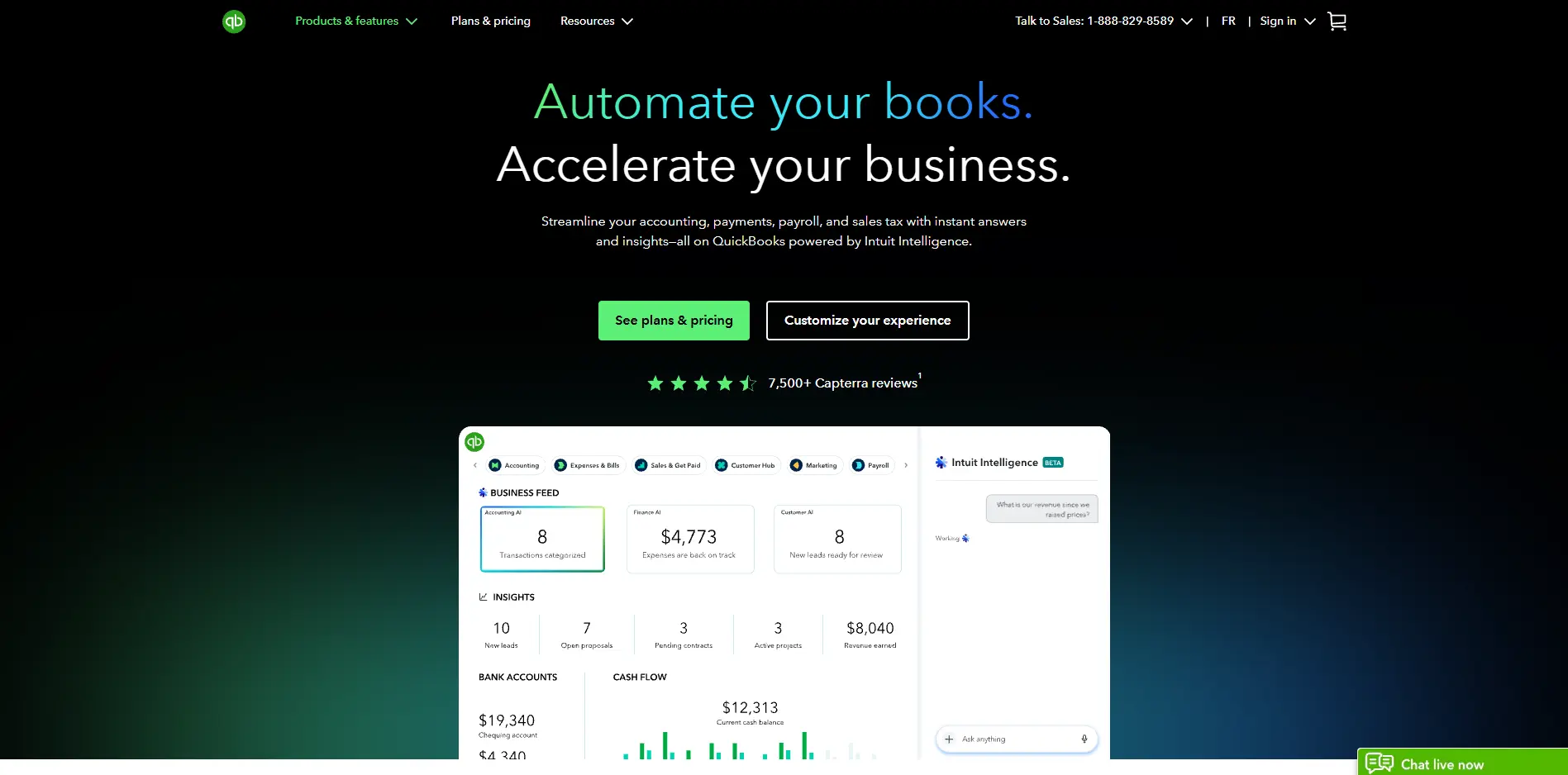
QuickBooks is accounting software that tracks your income and expenses and helps you send invoices. It costs more than the free options, and it makes sense if you want full accounting software and expect to add people. Plans include one user on Simple Start, three on Essentials and five on Plus, so it can follow a small team as it grows.
Pricing
Plans start at $38/month for Simple Start, which includes one user. Essentials is $85/month with 3 users and Plus is $140/month with 5 users. QuickBooks also offers a free trial of 30 days.
Wave: for invoicing and bookkeeping on a budget
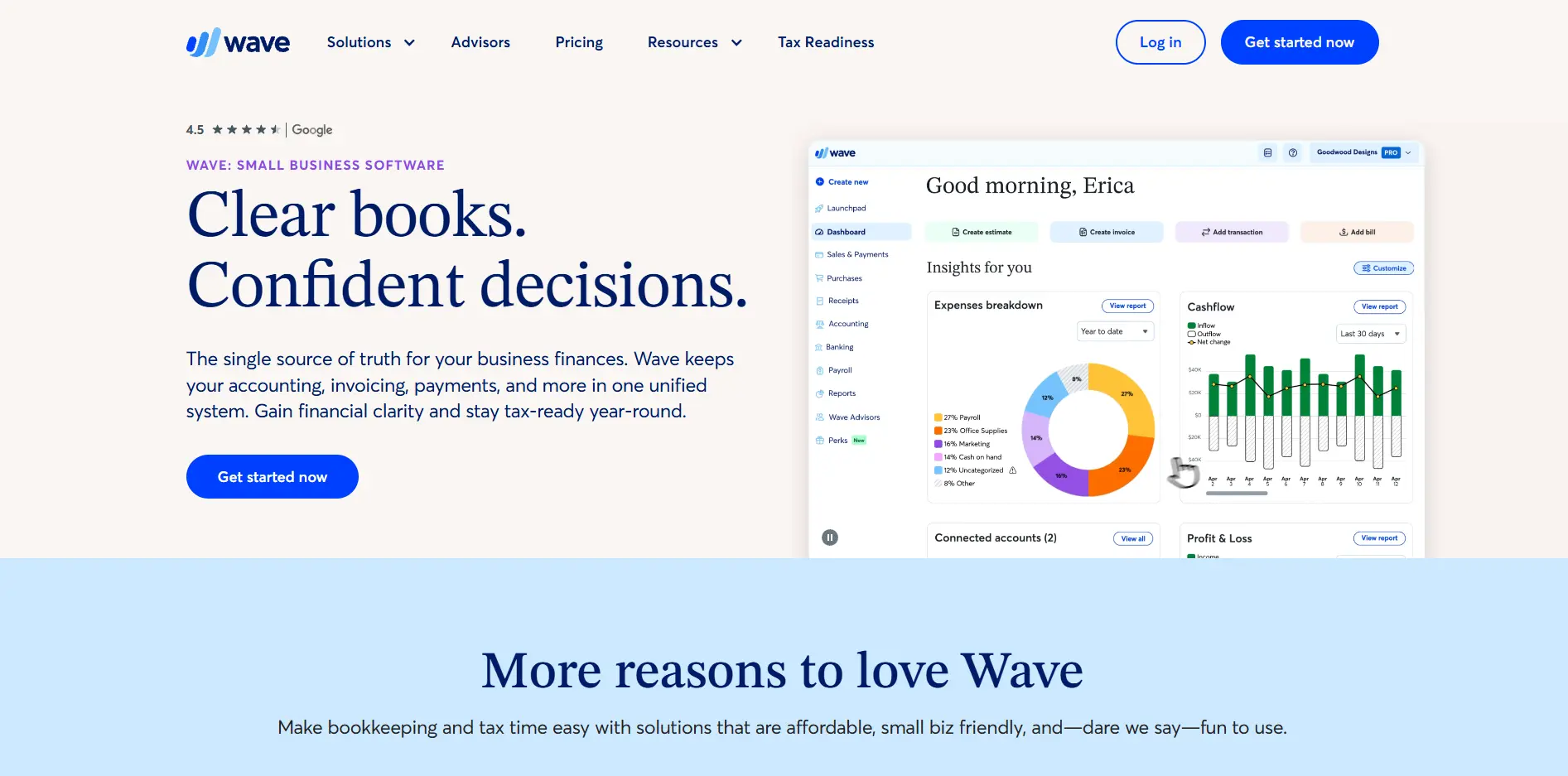
Wave's Starter plan is free and includes unlimited estimates, invoices, bills and bookkeeping records. If you mostly need to send invoices and keep your books tidy, it's an easy place to start. Pro adds automatic import of bank transactions, automated late payment reminders and receipt capture. Card payments from clients carry a processing fee, which is 2.9% plus $0.60 per transaction on Starter.
Pricing
Wave offers a free starter plan, which includes unlimited estimates, invoices, bills and bookkeeping records. Pro costs $19/month or $190/year and adds automatic import of bank transactions, automated late payment reminders and receipt capture.
5. “I can’t keep track of my clients and leads”
Once the work comes in, a notes app and a pile of email threads stop being enough. A CRM (customer relationship management tool) gives you one place for every contact, deal and follow-up. Both of these have a free plan, so you can start small.
HubSpot CRM: Best for a Free Place to Track Contacts and Deals
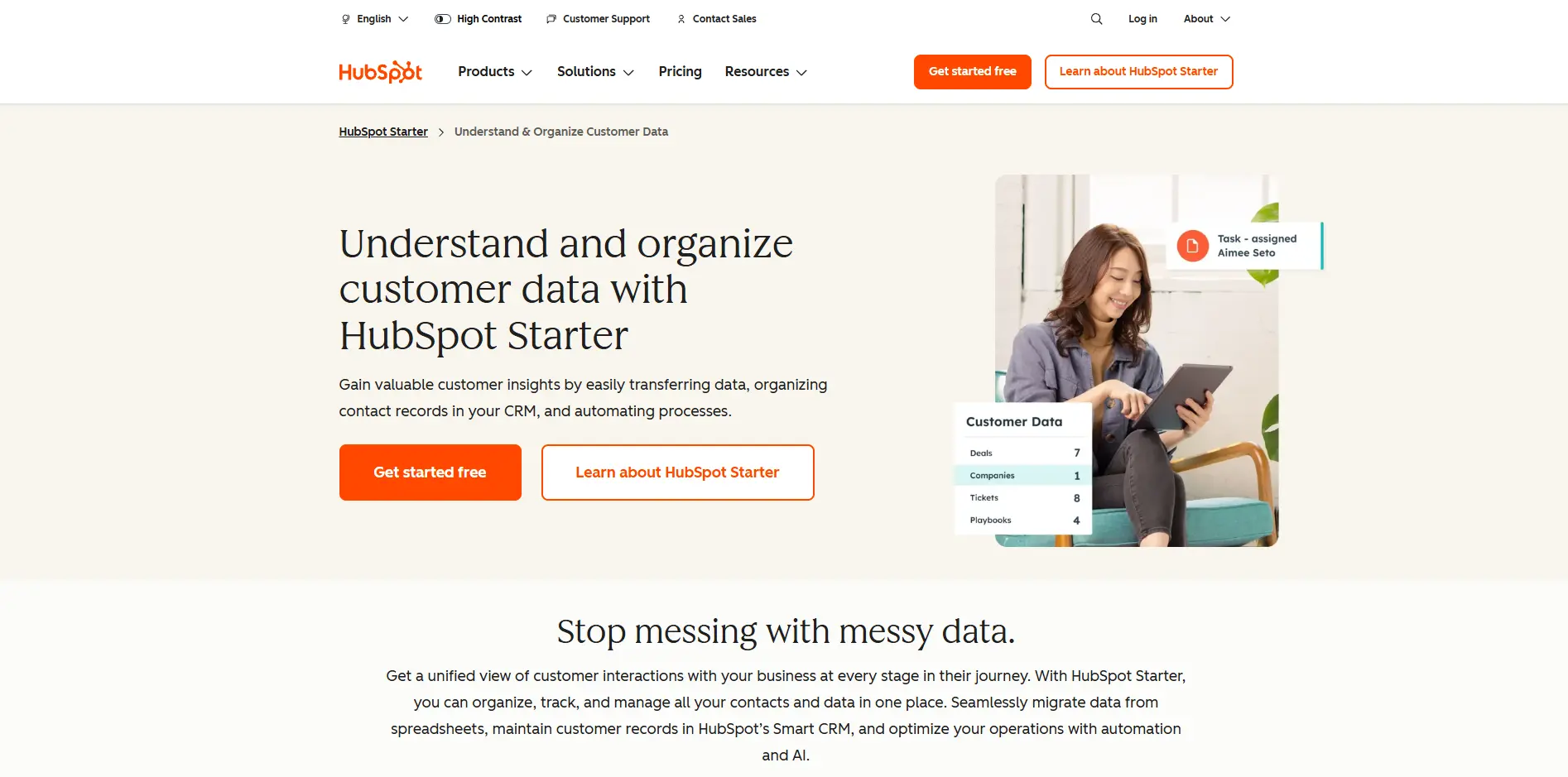
HubSpot CRM keeps your contacts, companies and deals in one place, with a pipeline view so you can see who is a new lead, who is waiting on a proposal and who has said yes. Its free tools also include a meeting scheduler, forms, a chatbot and live chat, so a solopreneur can capture a lead and follow up without adding more software. The free plan covers up to 2 users, which suits a solopreneur or a pair of co-founders. Paid Starter seats remove HubSpot branding and add things like permission sets and required fields.
Pricing
Paid Starter seats run from $7 to $20 per seat/month, depending on whether you pay annually or month-to-month. There's also a free plan for up to 2 users, includes contact and deal management and a basic CRM import.
Zoho CRM: Best for Growing Your Pipeline Without Growing Your Bill
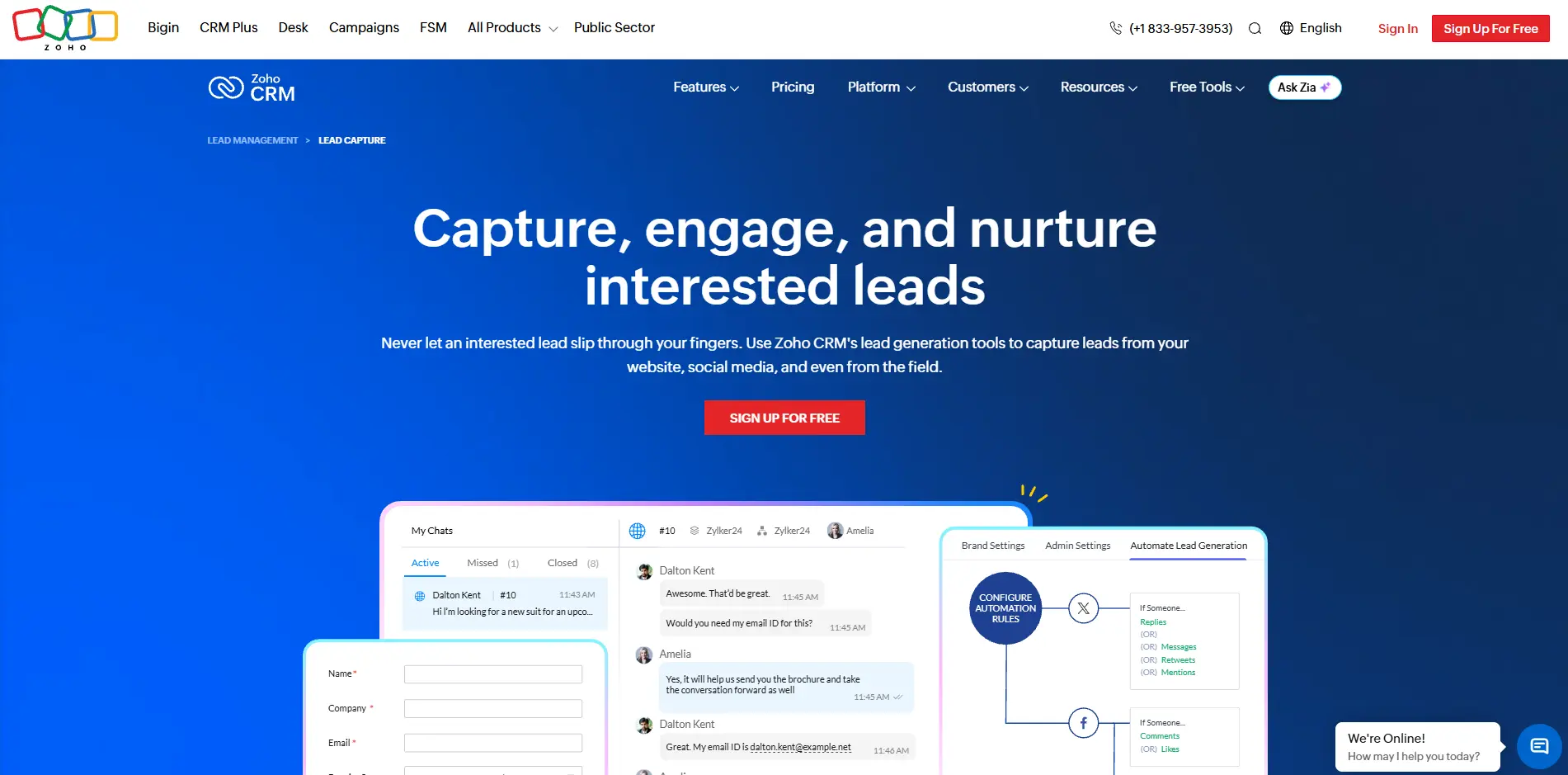
Zoho CRM is a good fit when you start with a free tool and want room to grow. The Free plan covers up to 3 users and includes contact management, follow-up reminders, workflow automation and standard reports. The paid Standard plan adds custom dashboards, sales pipelines and sales forecasting. If your team is two or three people and you expect to add more, Zoho's per-user pricing stays modest as you grow.
Pricing
Free plan for up to 3 users, which includes basic lead management. Paid plans start at $14/user/month for Standard billed yearly ($20 billed monthly), which adds custom dashboards and sales pipelines.
Zoho CRM also offers a free trial of its paid plans.
6. "My calendar runs me"
Back-and-forth emails about meeting times add up quickly. These two tools take that off your plate in different ways.
Calendly: for booking meetings and calls
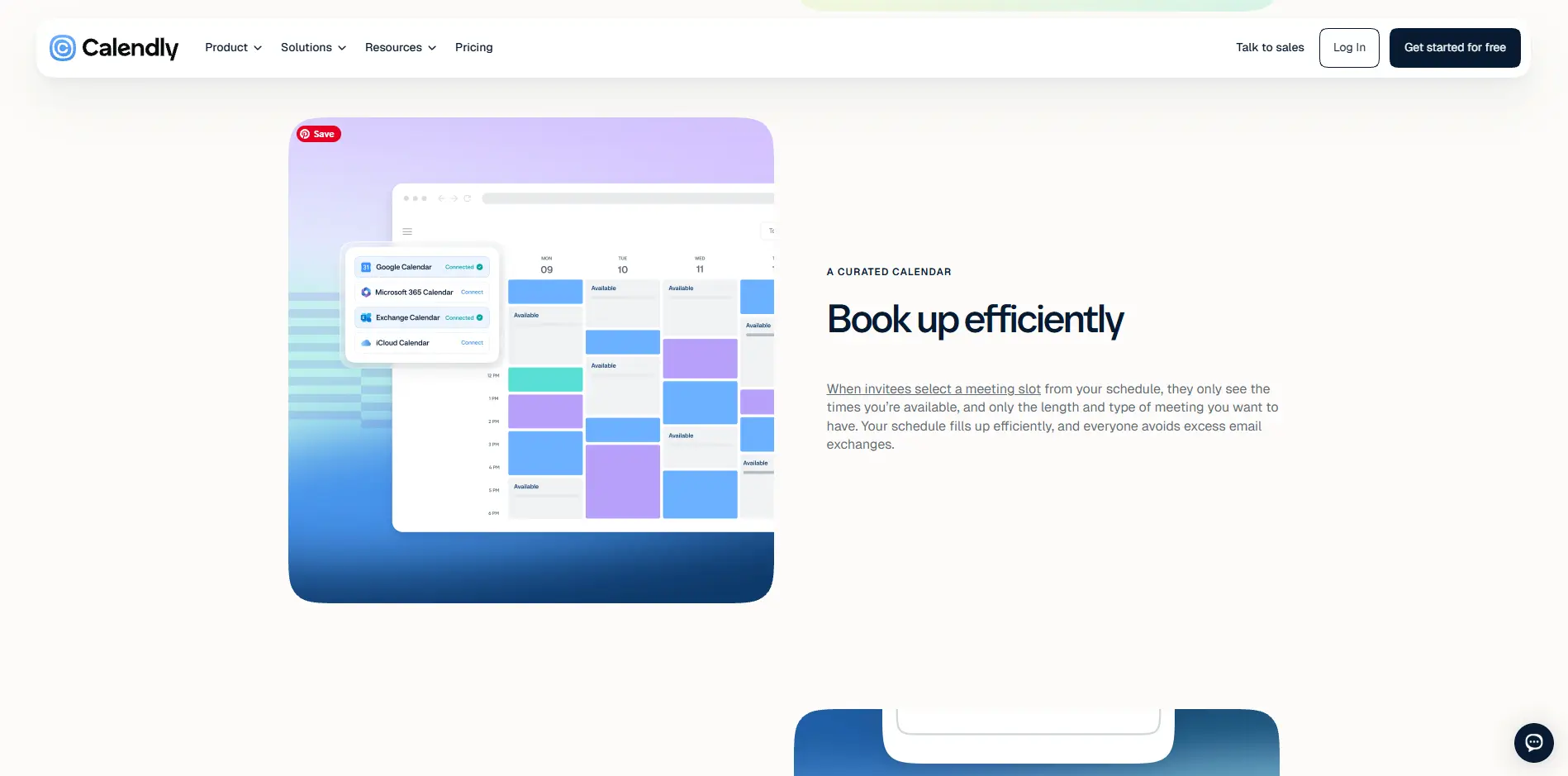
Calendly lets people book time with you from a link that shows only the times you have open. It connects to your calendar, so you don't get double-booked. The Free plan includes one event type and one calendar connection, which works if you only offer one kind of call. Standard adds unlimited event types, multiple calendars, automations and reminders, and Stripe and PayPal payments. Only the people hosting meetings need a seat, so the people booking time with you don't need one.
Pricing
Paid plans start at $10/seat/month for Standard billed yearly, and Teams is $16/seat/month billed yearly, which adds round-robin and team scheduling. Calendly also offers a free plan and a free trial of 14 days for its paid plans.
Google Calendar: Best for Managing Your Calendar and Hosting Meetings
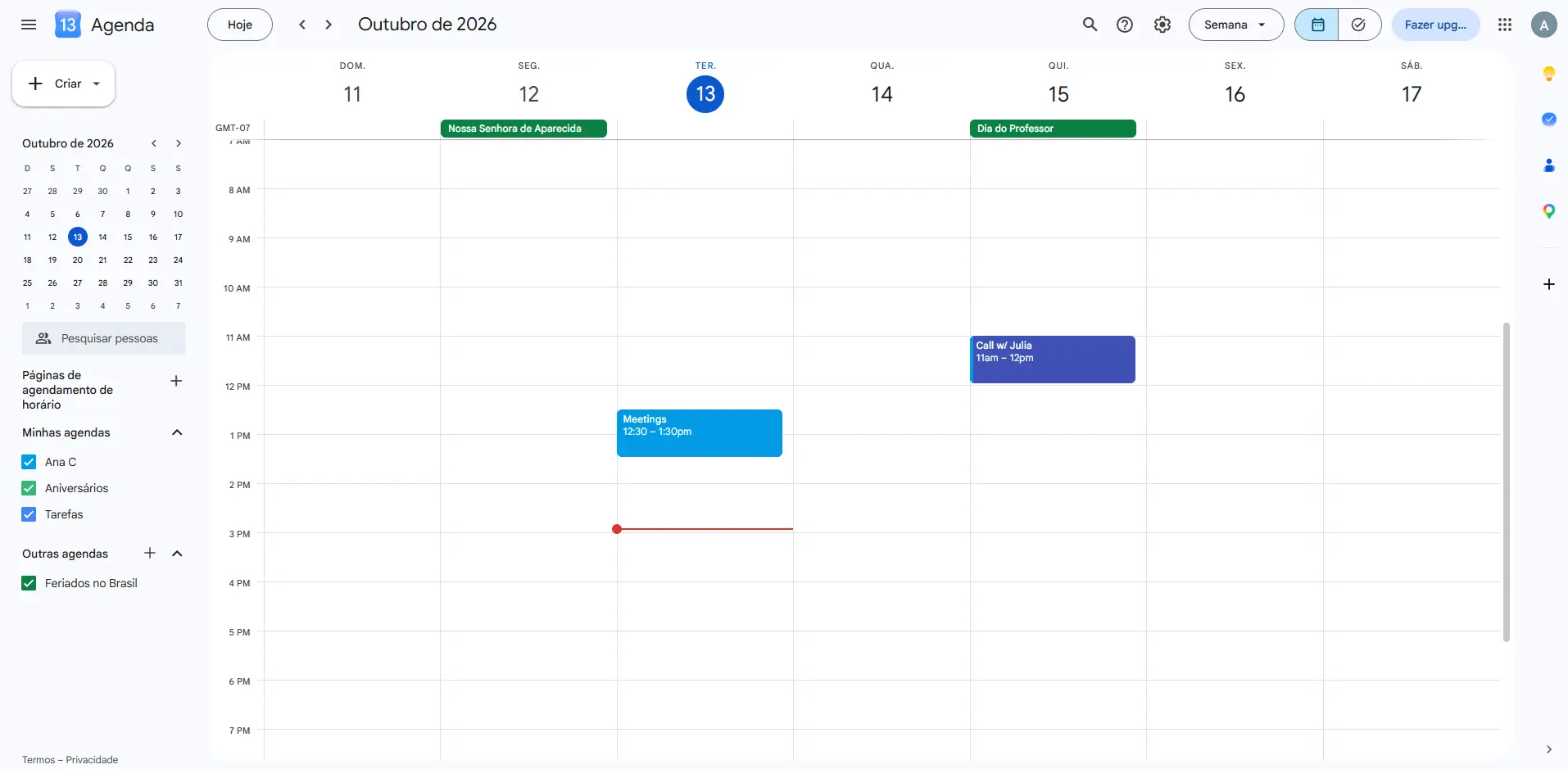
Google Calendar is where many solopreneurs already keep their day. You can see your events, share calendars with a team or a virtual assistant, and add a Google Meet video link to any event, so your calendar is also where your meetings happen. Google Calendar also has appointment booking pages, so clients can pick a time from your open slots. A free Google account gets one booking page, and paid Google Workspace plans add multiple booking pages, payments at booking and email reminders. If you only need a simple booking link, Google Calendar can replace Calendly, so most solopreneurs only need one of the two.
Pricing
Free plan with a Google account, which includes one booking page. Multiple booking pages and payments at booking come with Google Workspace Business Standard and higher, and Workspace plans are priced per user.
Google Workspace also offers a free trial of 14 days.
How to build a lean stack of tools
You don't need all 10. Pick one tool for each problem you actually have, and ignore the rest. Before you add anything new, run it through three quick checks:
- Does it fix a problem you have right now? If you can't name the problem, skip the tool.
- Does it overlap with something you already use? Trello and Notion both hold tasks, and Calendly and Acuity Scheduling both let clients book time from a link, so pick one of each pair.
- Can you test it for free? Use the free plan or trial for at least a couple of weeks before you pay.
For example, you could go with:
- MeetEdgar for posting (+$24.91/month)
- Trello for task management (free plan)
- Canva for desing (+$12/month)
- Wave for bookkeeping (free plan)
That's totals $36.91/month or $443 in a year, which is pretty reasonable. If you want a longer list that goes beyond these 10, take a look at our roundup of small business productivity tools.
There isn't one perfect stack. There's the stack that fixes the problems you have today, and it will probably change as your business does.